Screens at a glance
Live pictures of every Raspberry Pi screen, online status, platform, what plays now, and remote commands (refresh, restart, screenshot, reboot). Tags group screens by place or purpose.
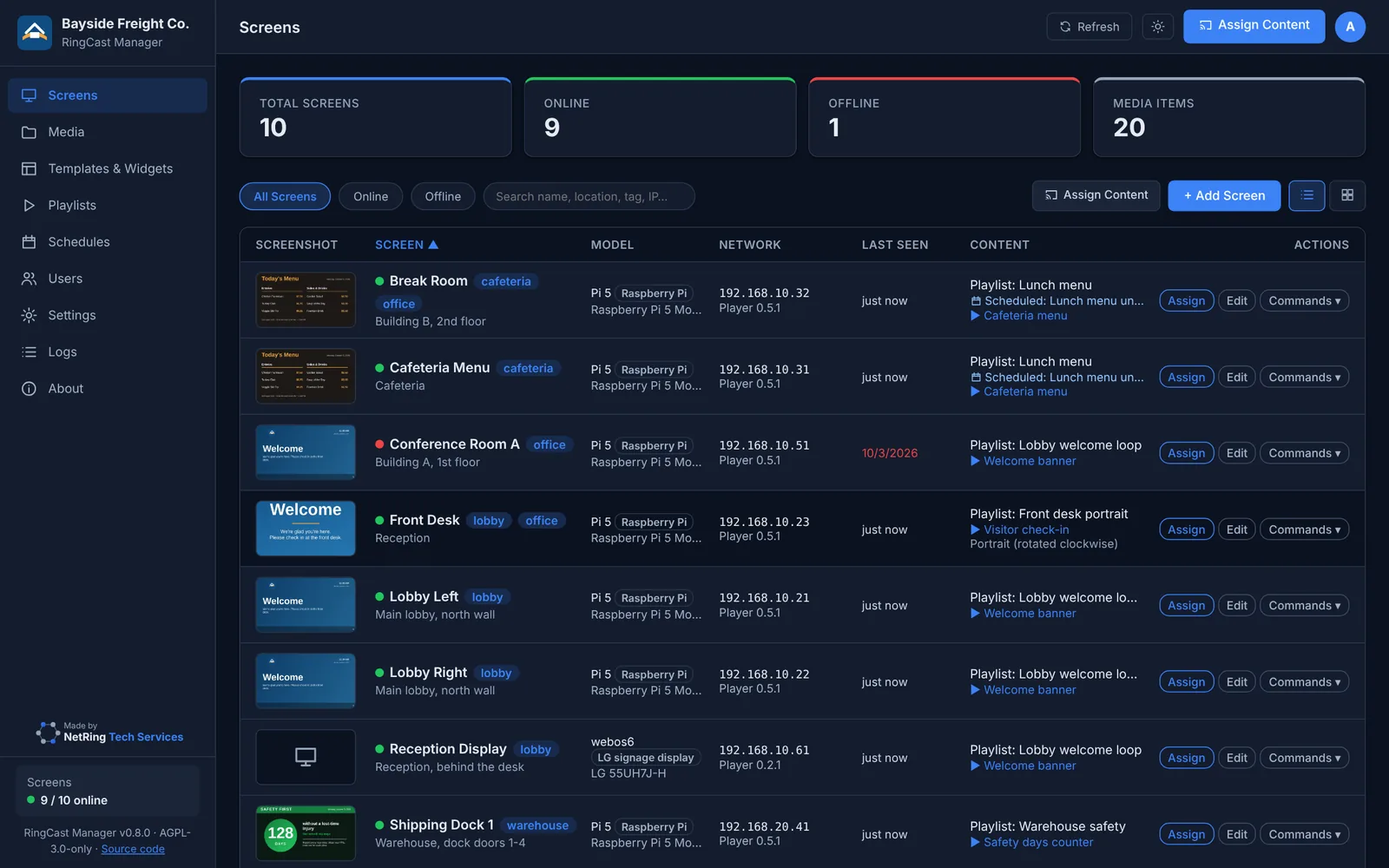
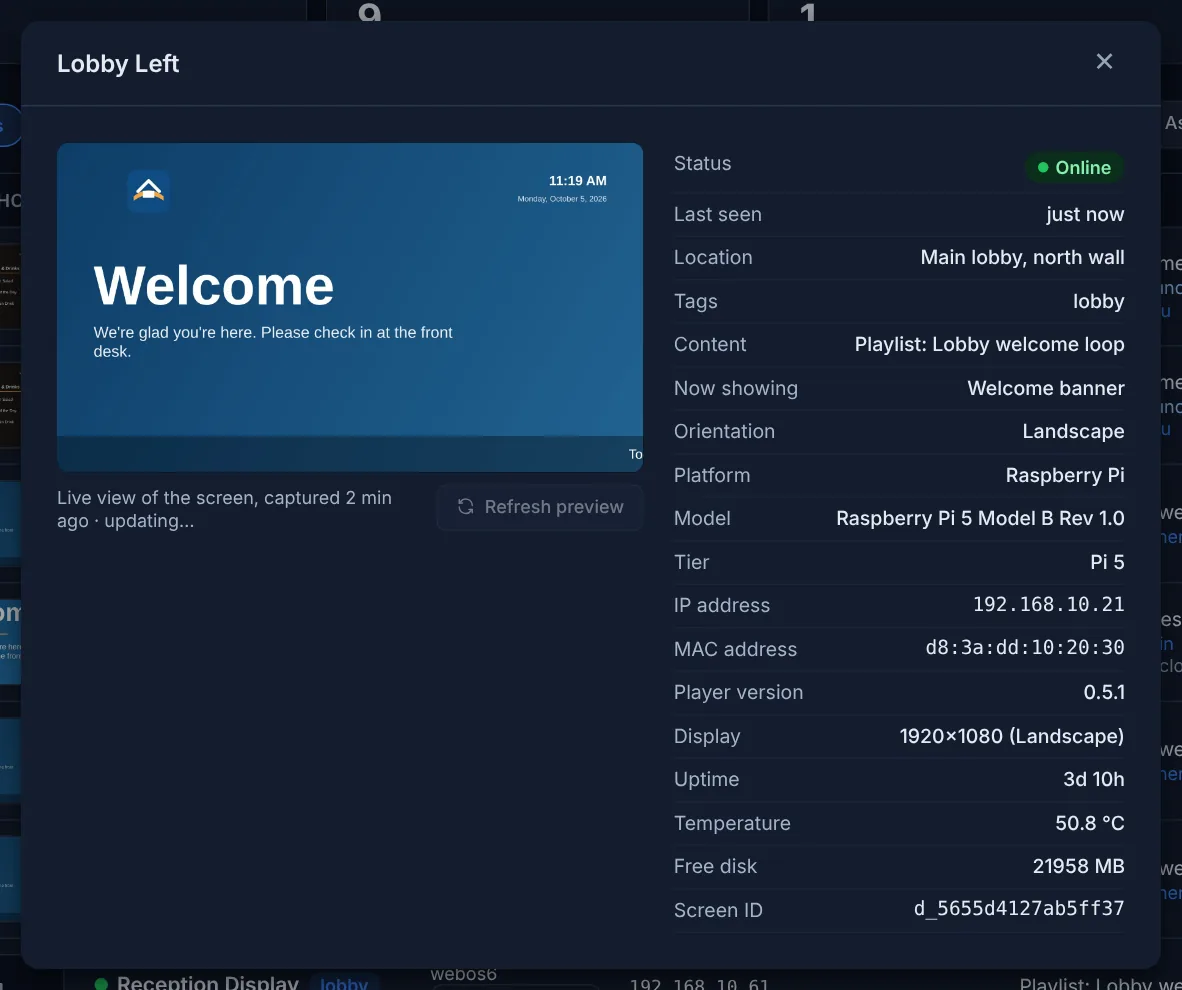
Easy pairing
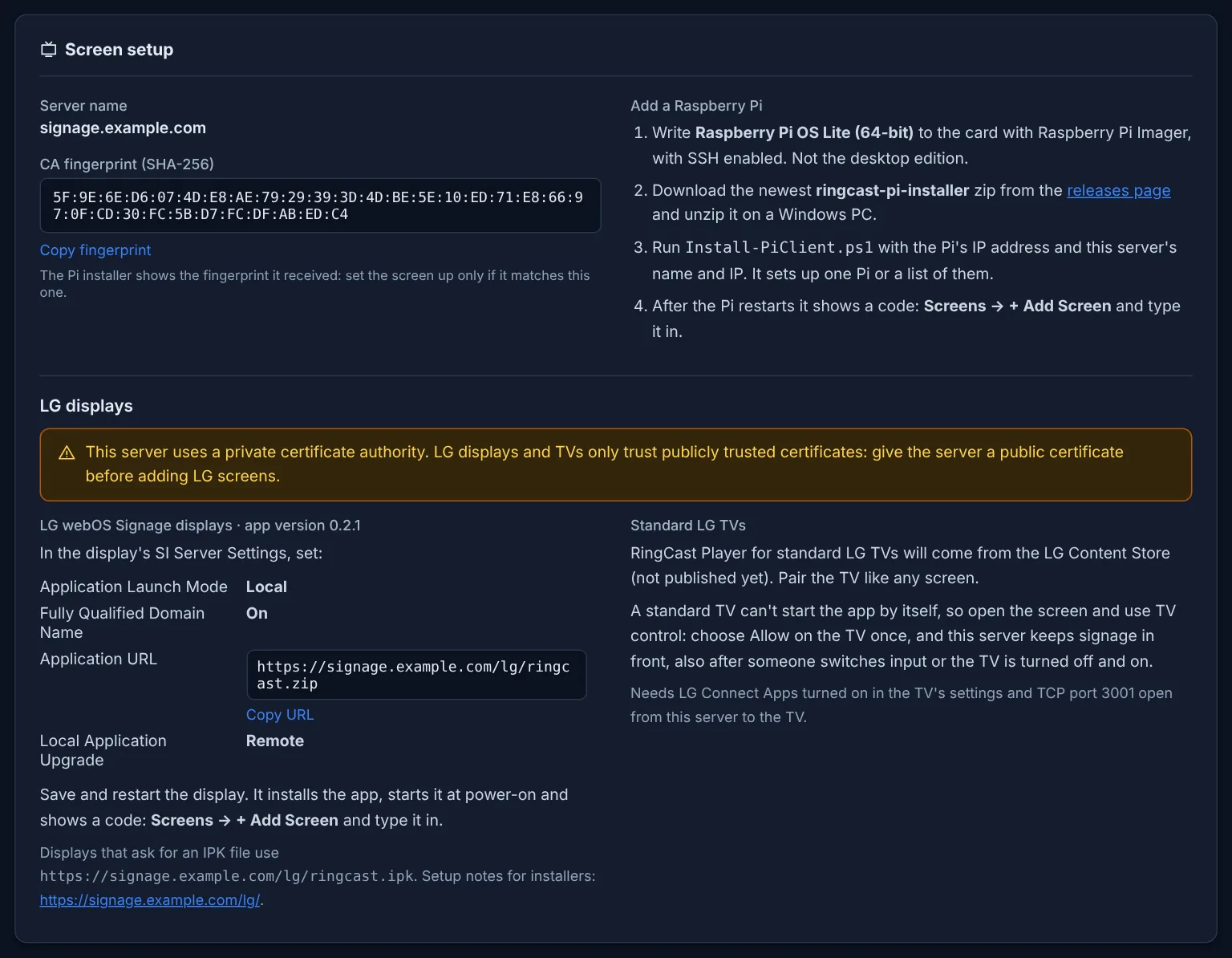
A new screen shows a code; type it in and the screen is yours. The RingCast Player installer sets up one Pi or a whole list from a Windows PC and checks every screen trusts your server.
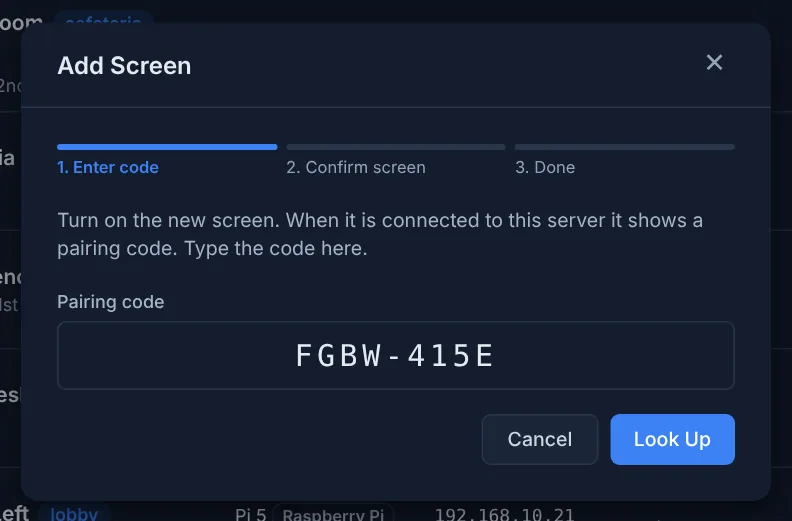
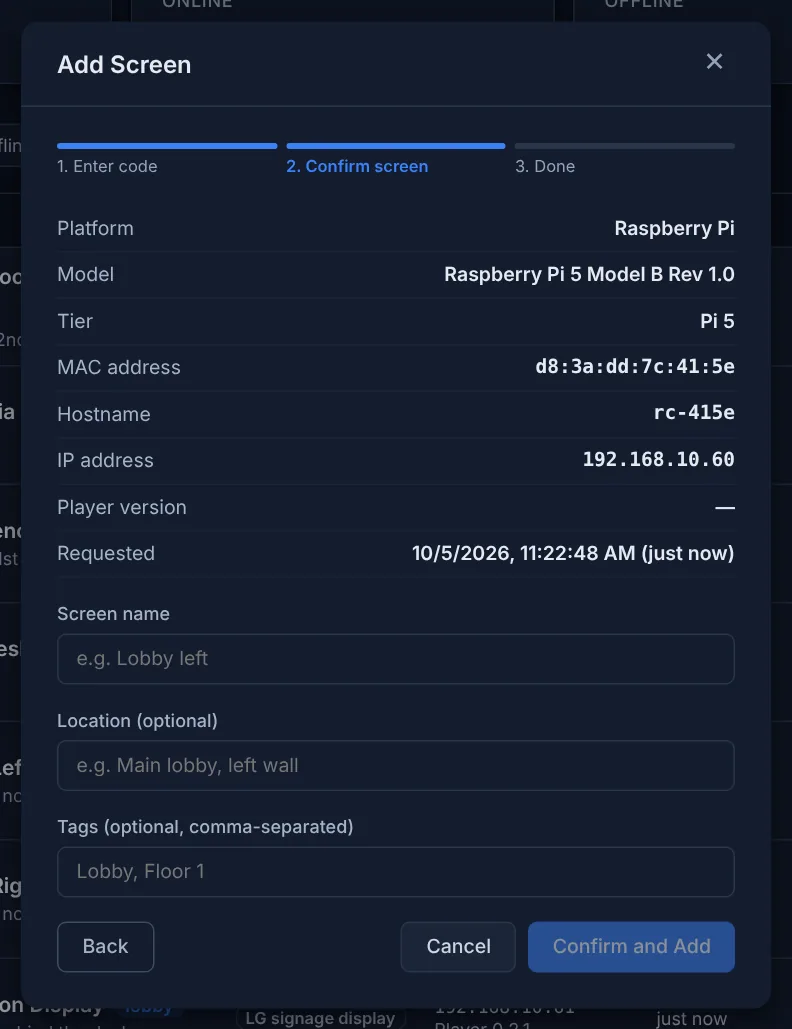
LG screens
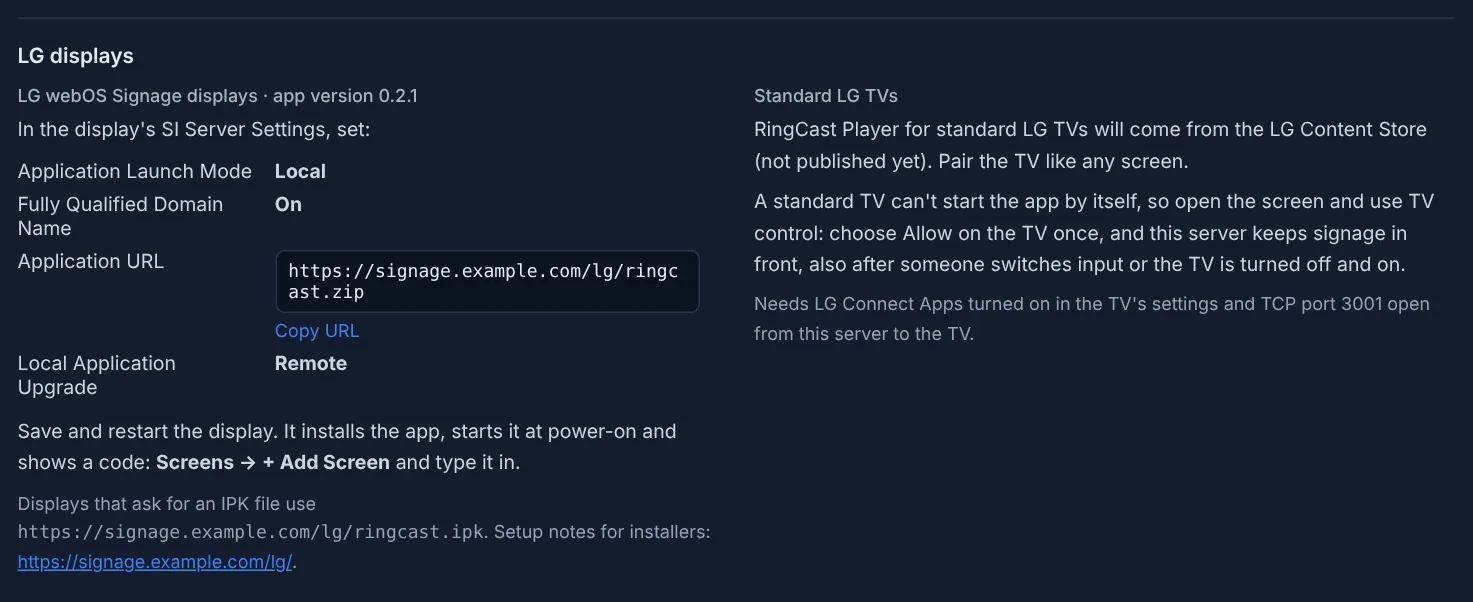
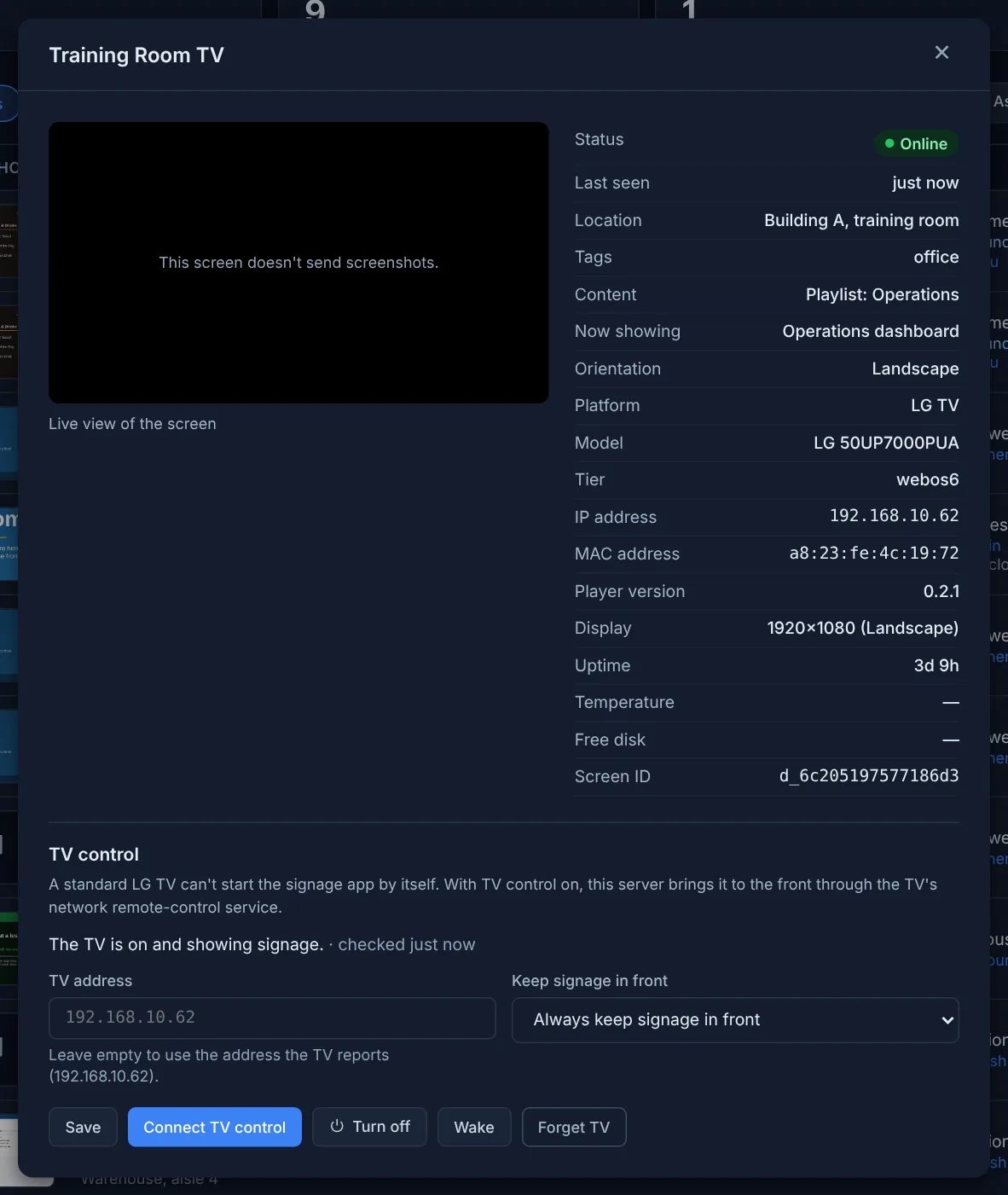
LG webOS Signage displays install RingCast Player from your server: four settings on the display and it starts at every power-on. Standard LG TVs (webOS 5 and later) pair like any screen; TV control brings signage back after the TV is turned on or someone switches input, and can turn the TV off or wake it.
Media library
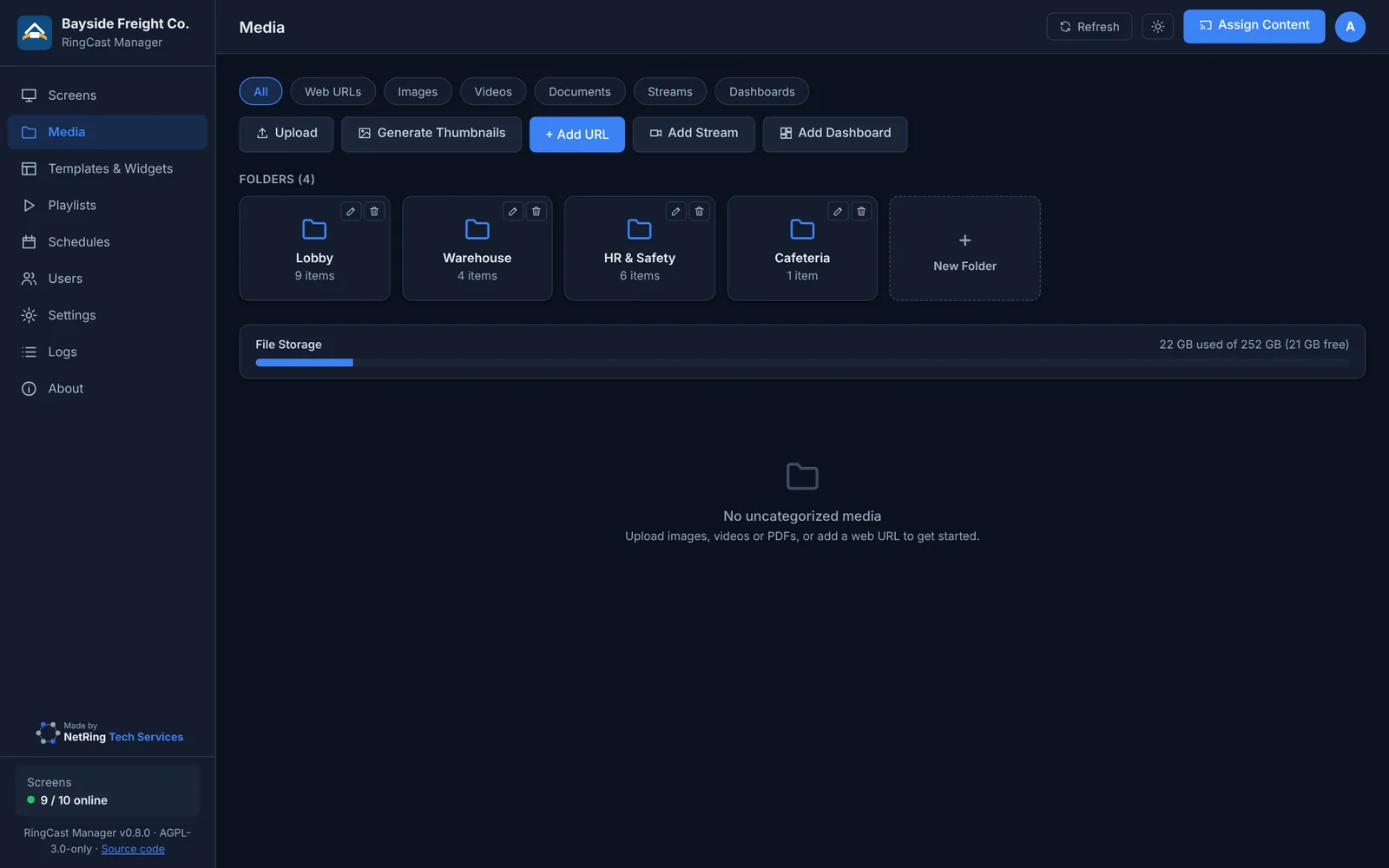
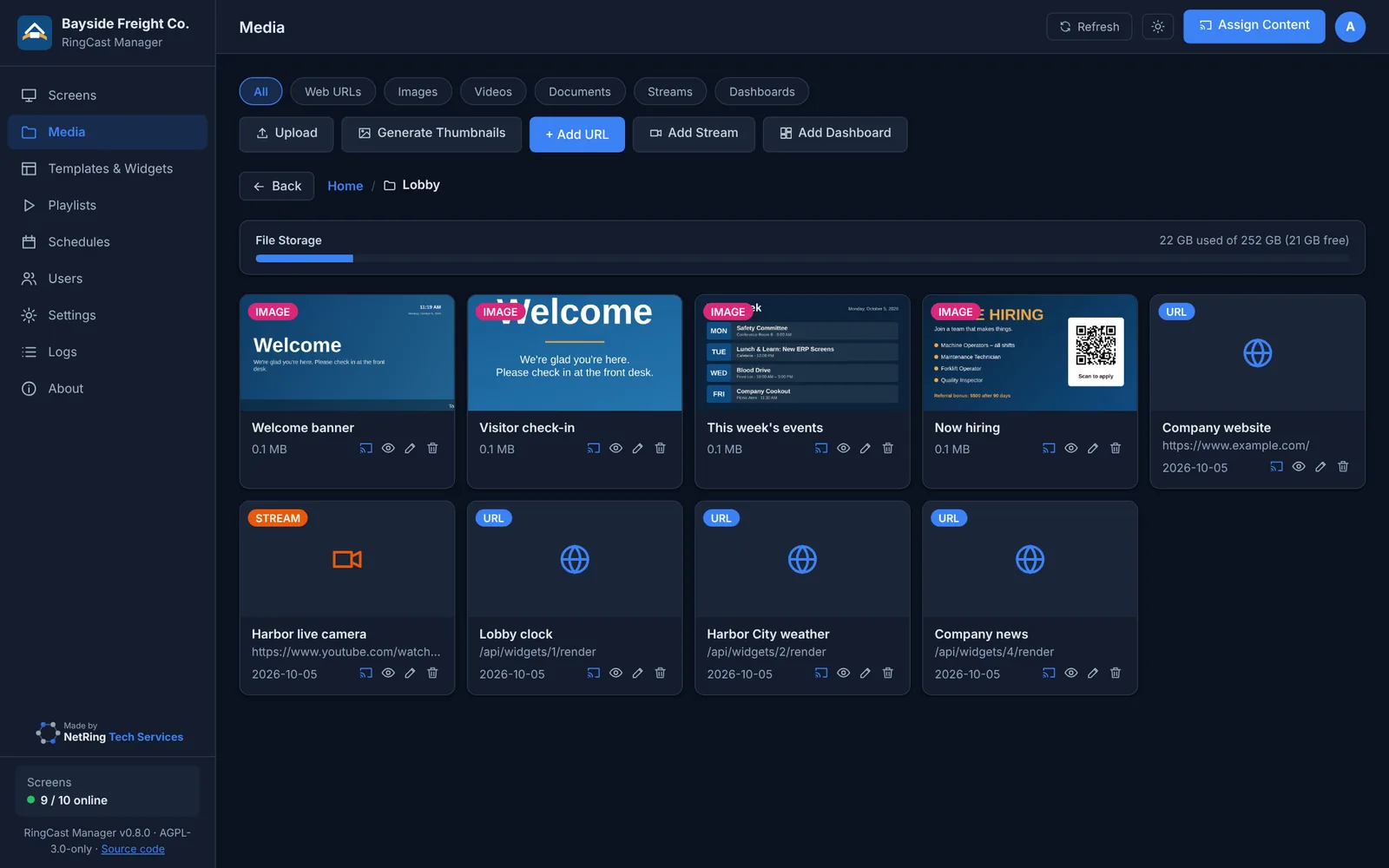
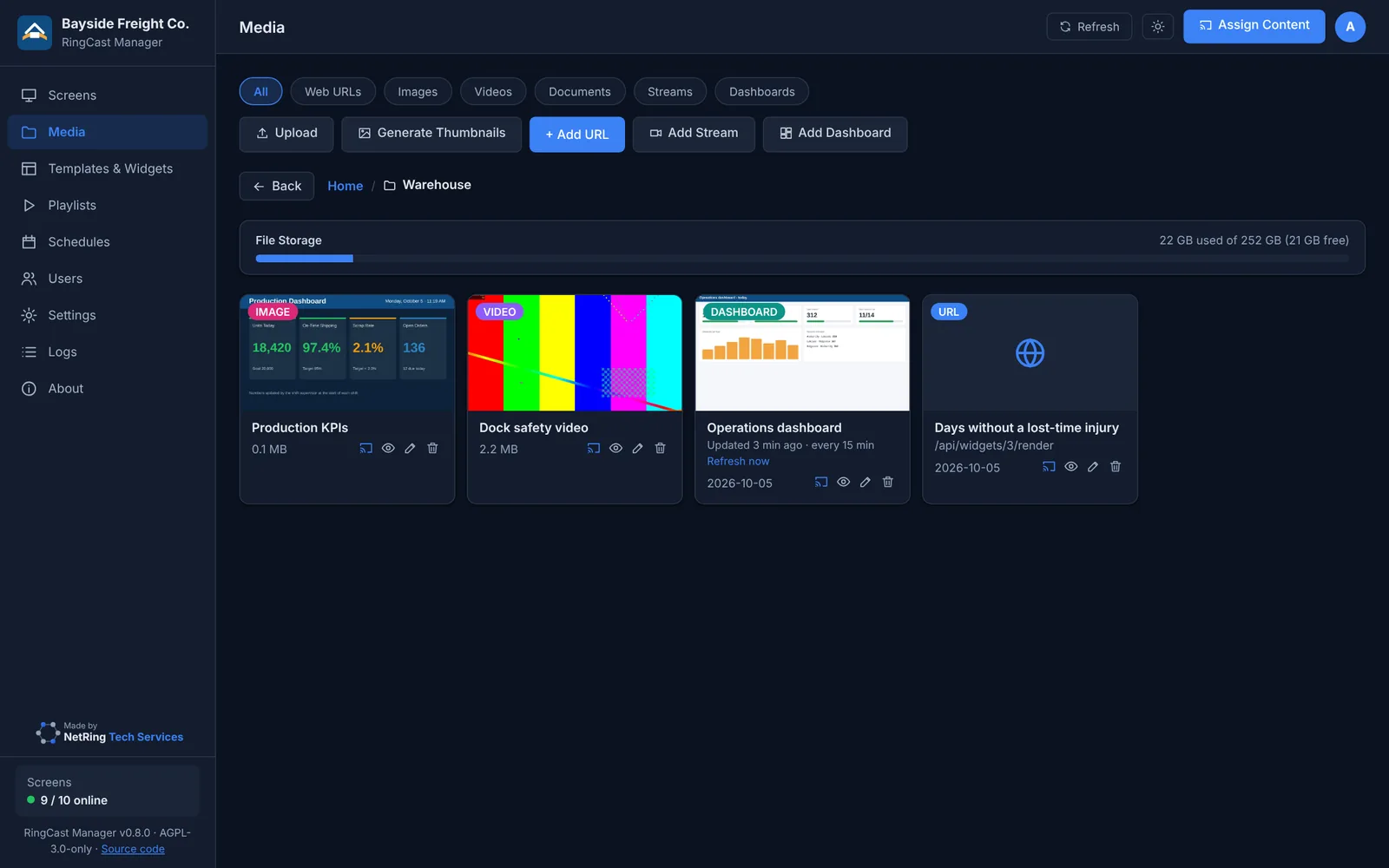
Pictures, video (including raw H.264), PDFs, and Word, PowerPoint, Excel and OpenOffice files converted automatically. Folders control who can use what.
Live content
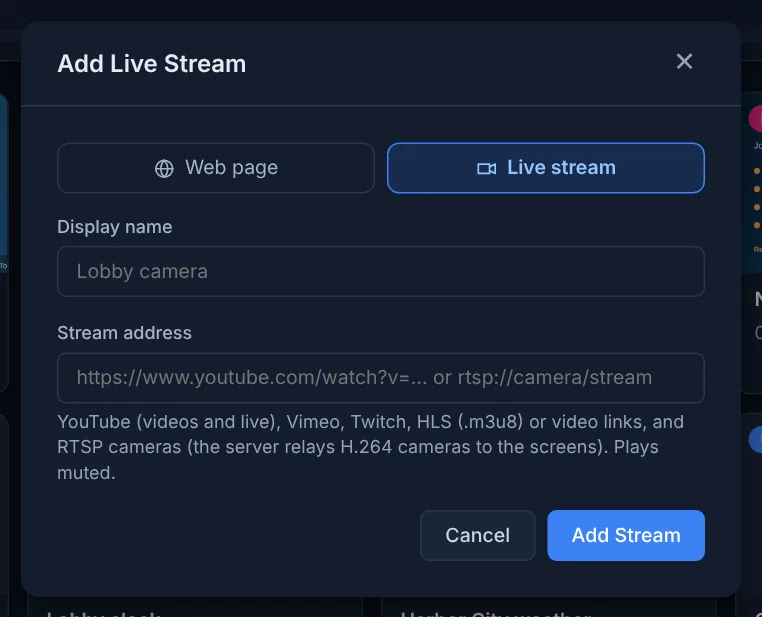
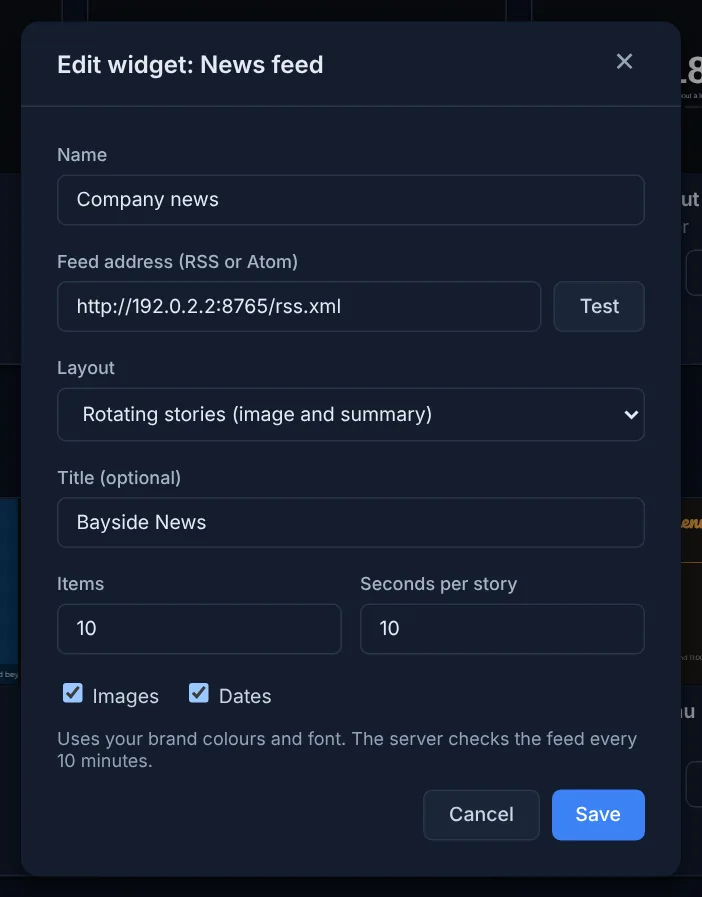
YouTube, Vimeo, Twitch, HLS and RTSP cameras (relayed by the server), news feeds, US five-day weather forecasts, clocks and safety counters that update themselves.
Business dashboards
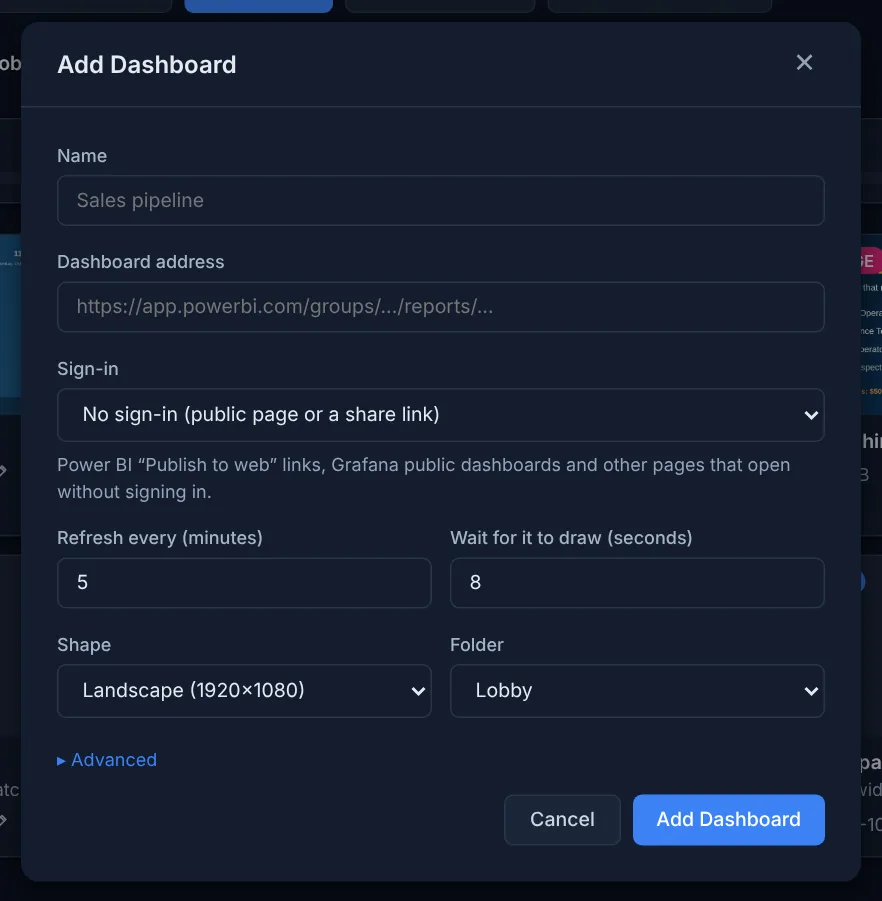
The server signs in to Power BI, Salesforce or any dashboard with a service account (including authenticator codes) and shows a fresh picture on schedule.
Templates and brand kit
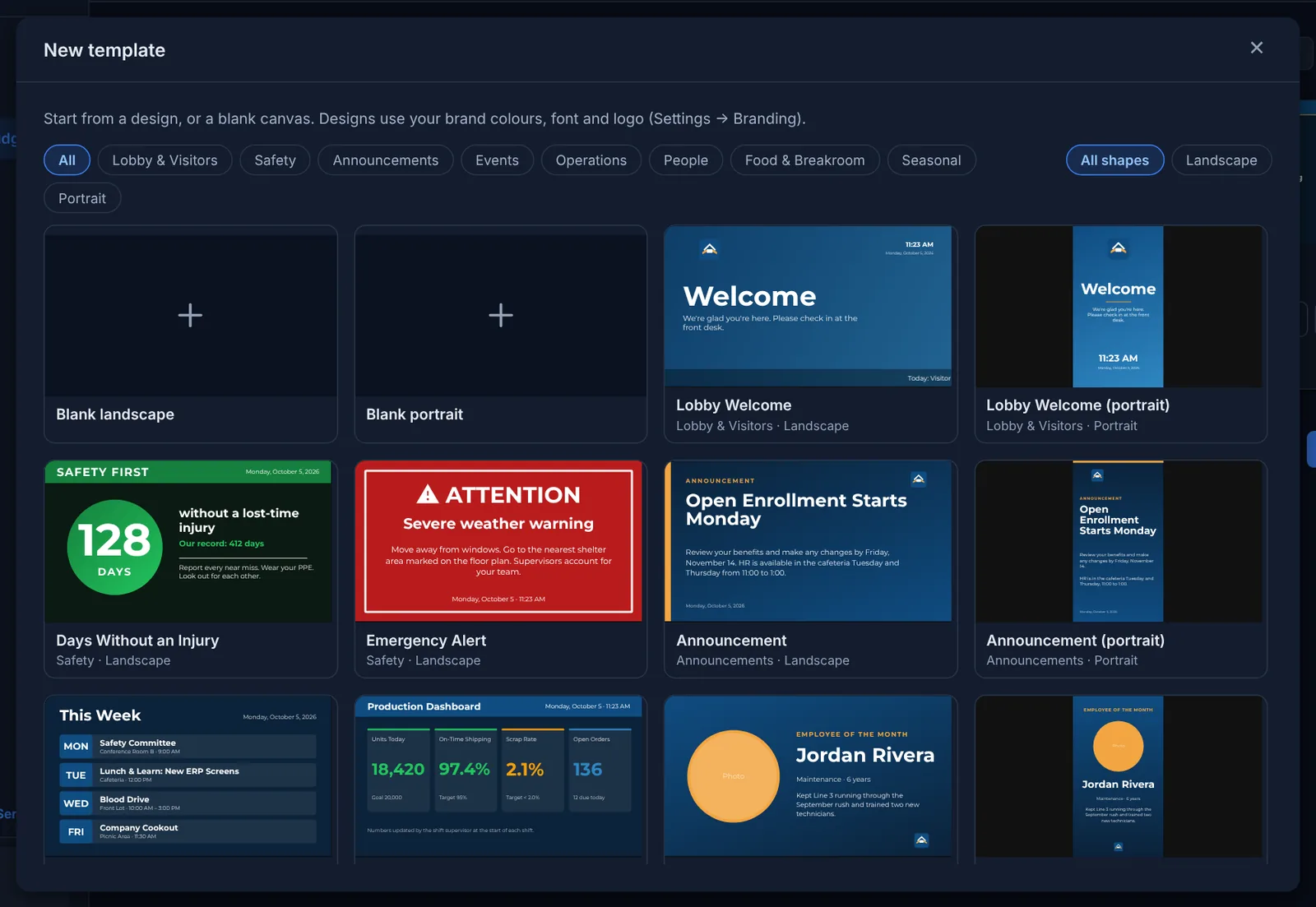
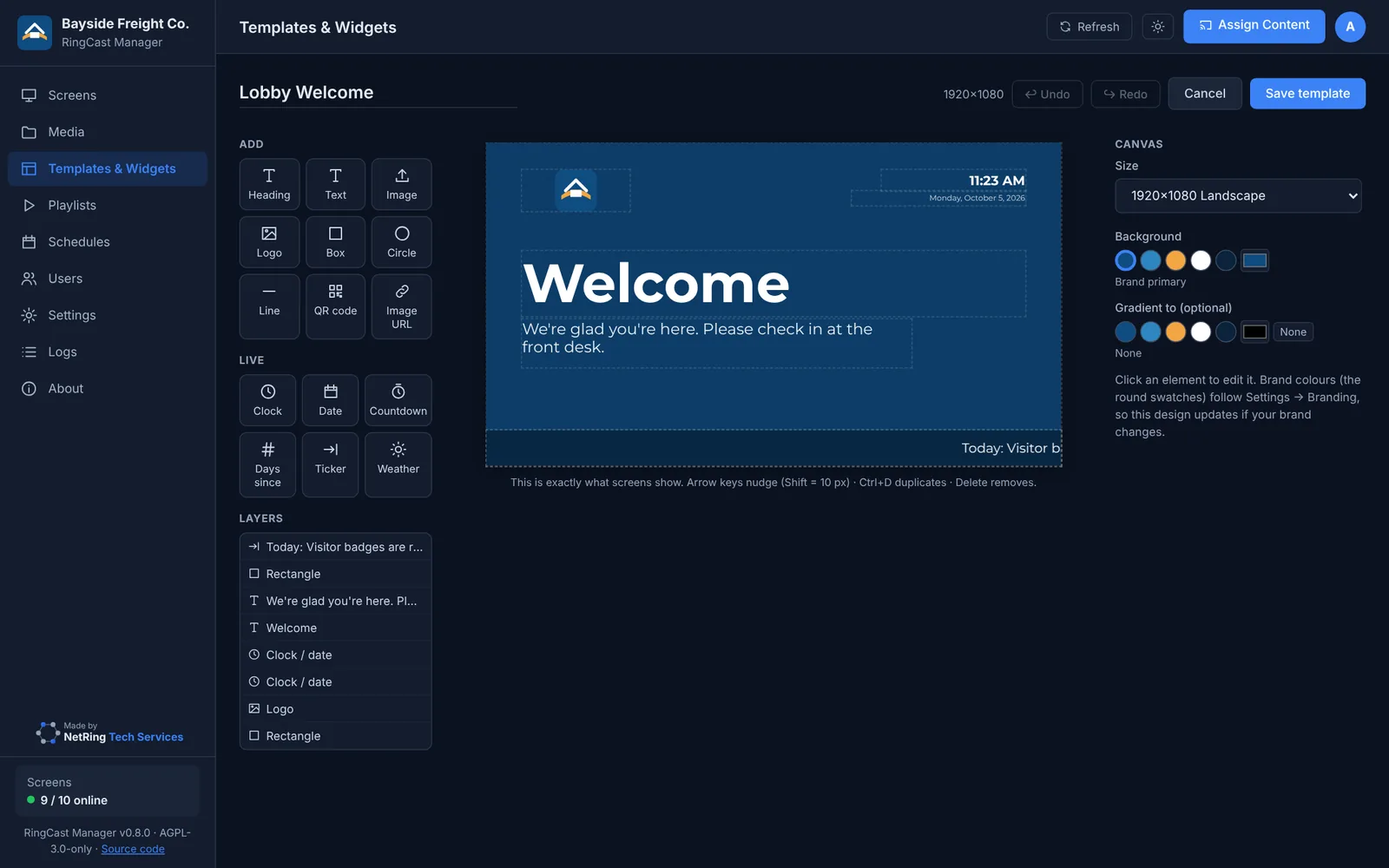
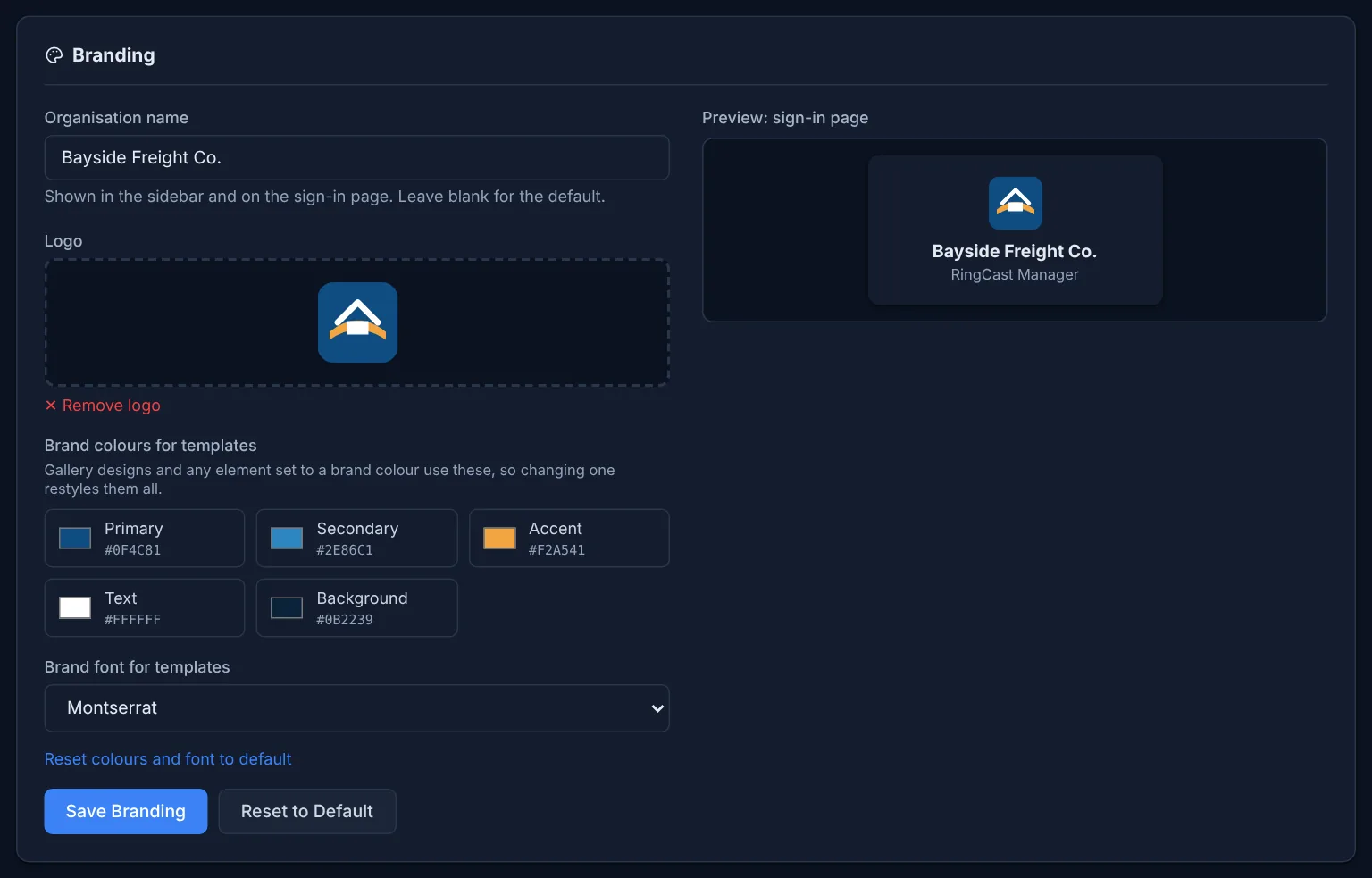
Ready-made designs and an editor; your logo, colors and font apply everywhere.
Playlists and sync
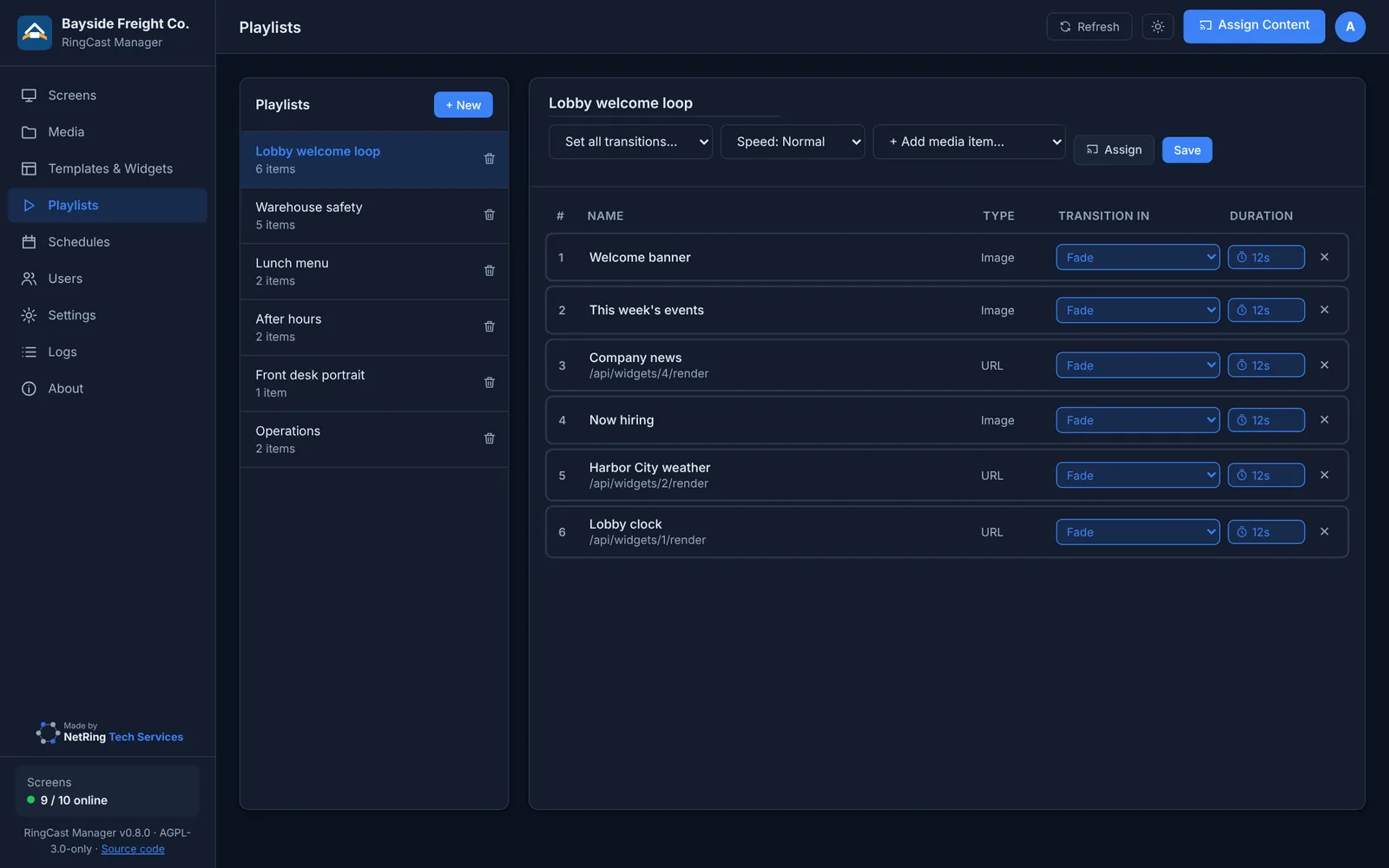
About 20 transitions, per-item times, and side-by-side screens that change together.
Schedules
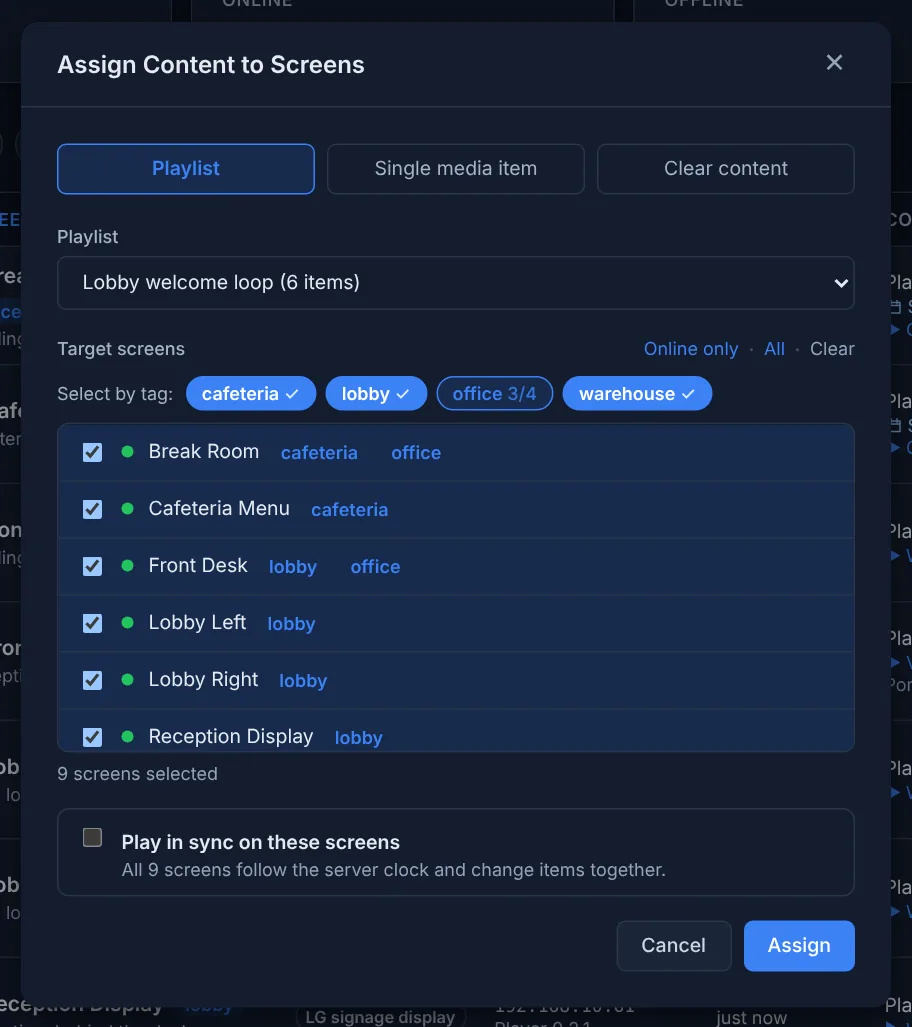
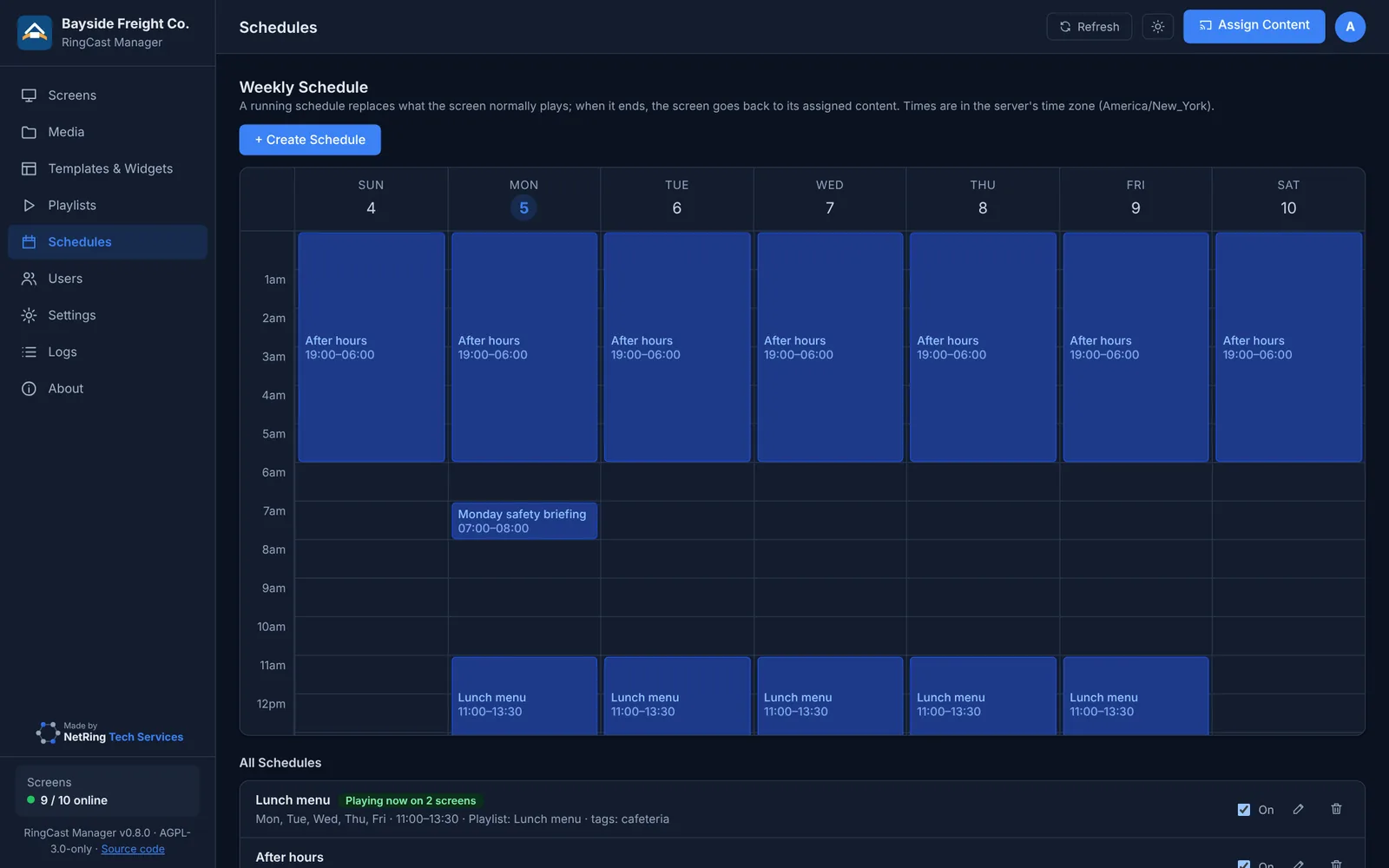
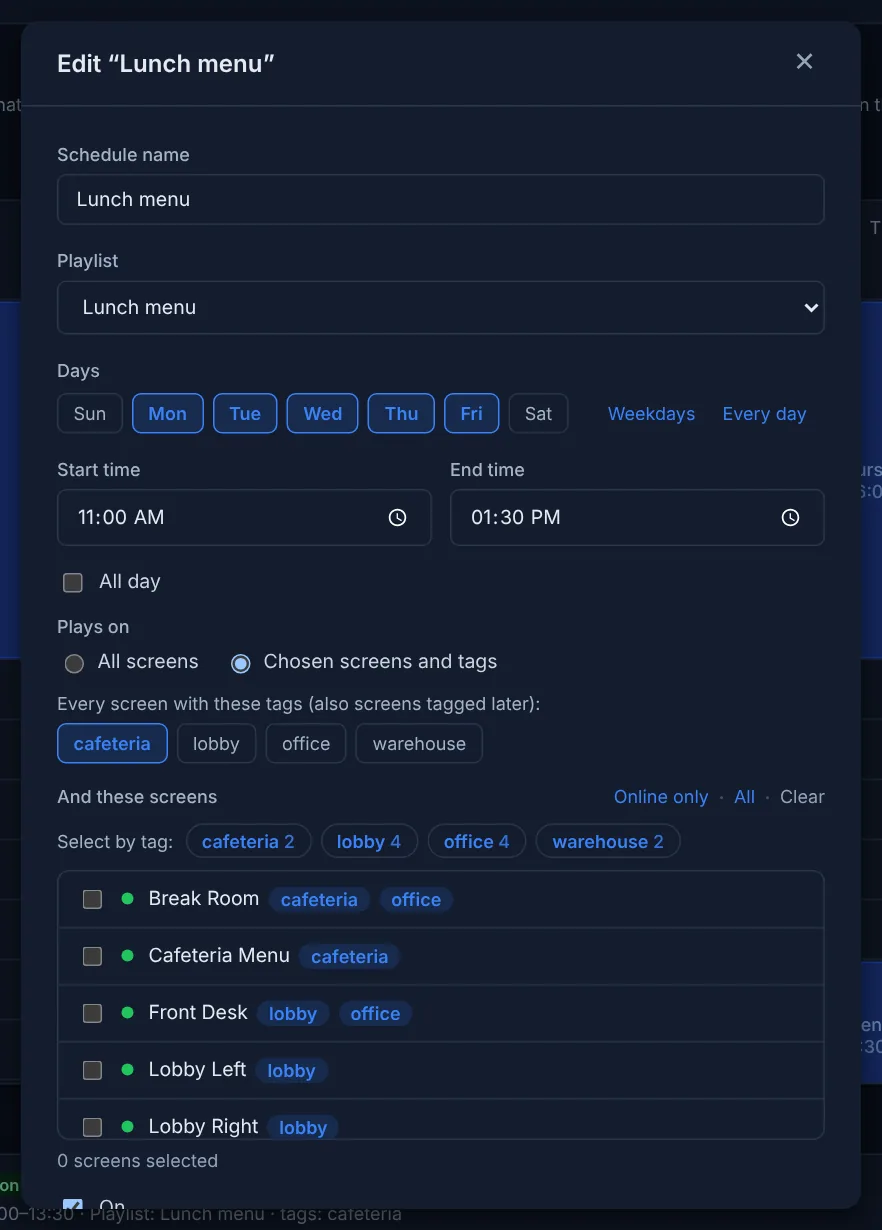
Play a playlist on chosen screens or tags, on chosen days and times, overnight too.
Users and directory
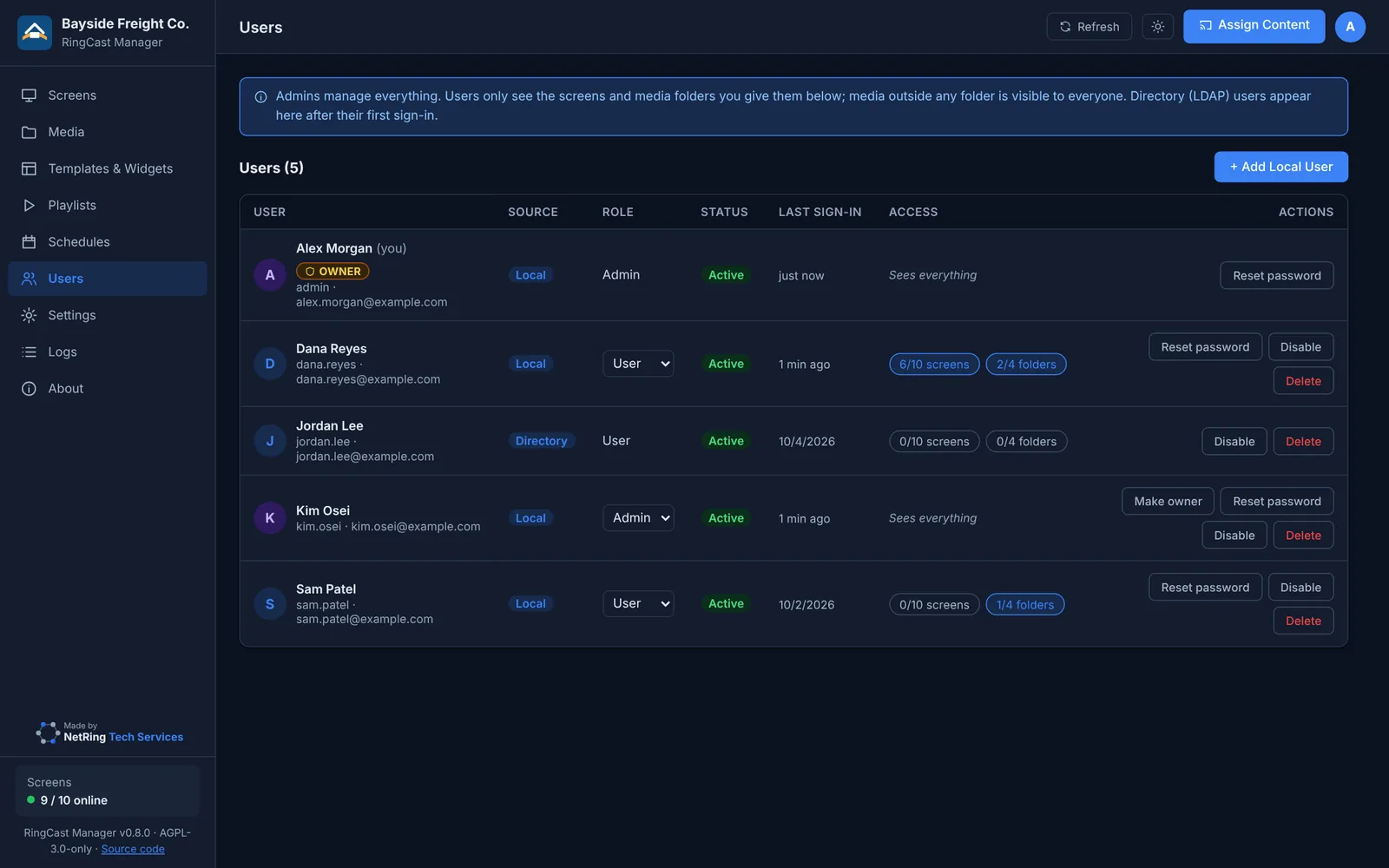
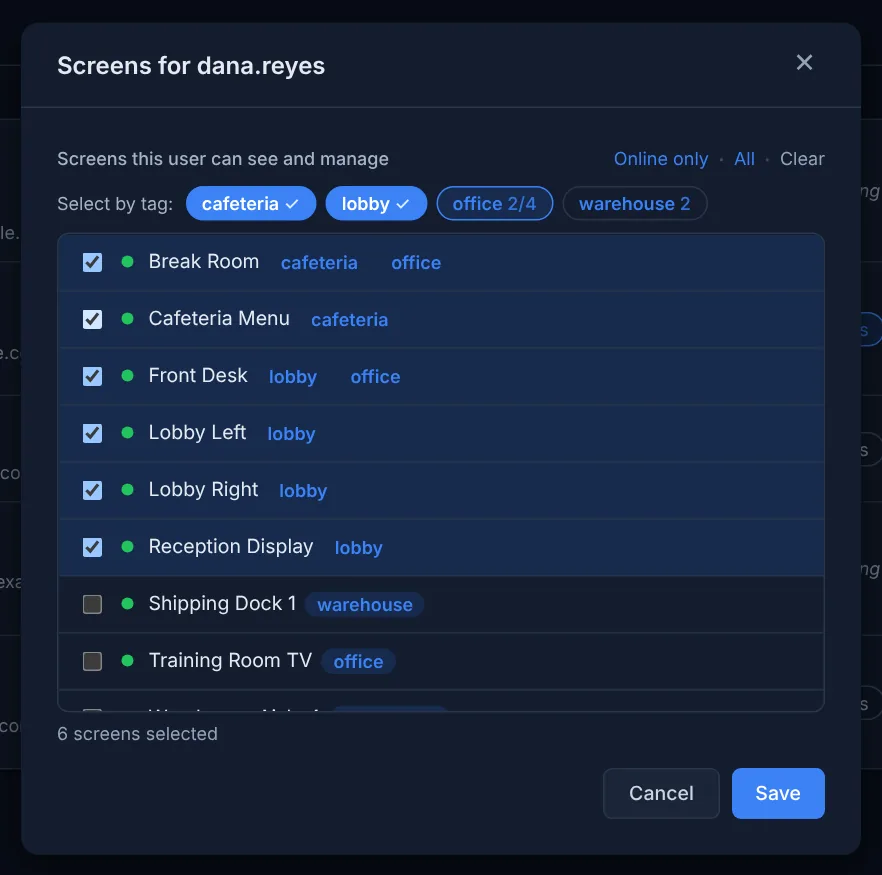
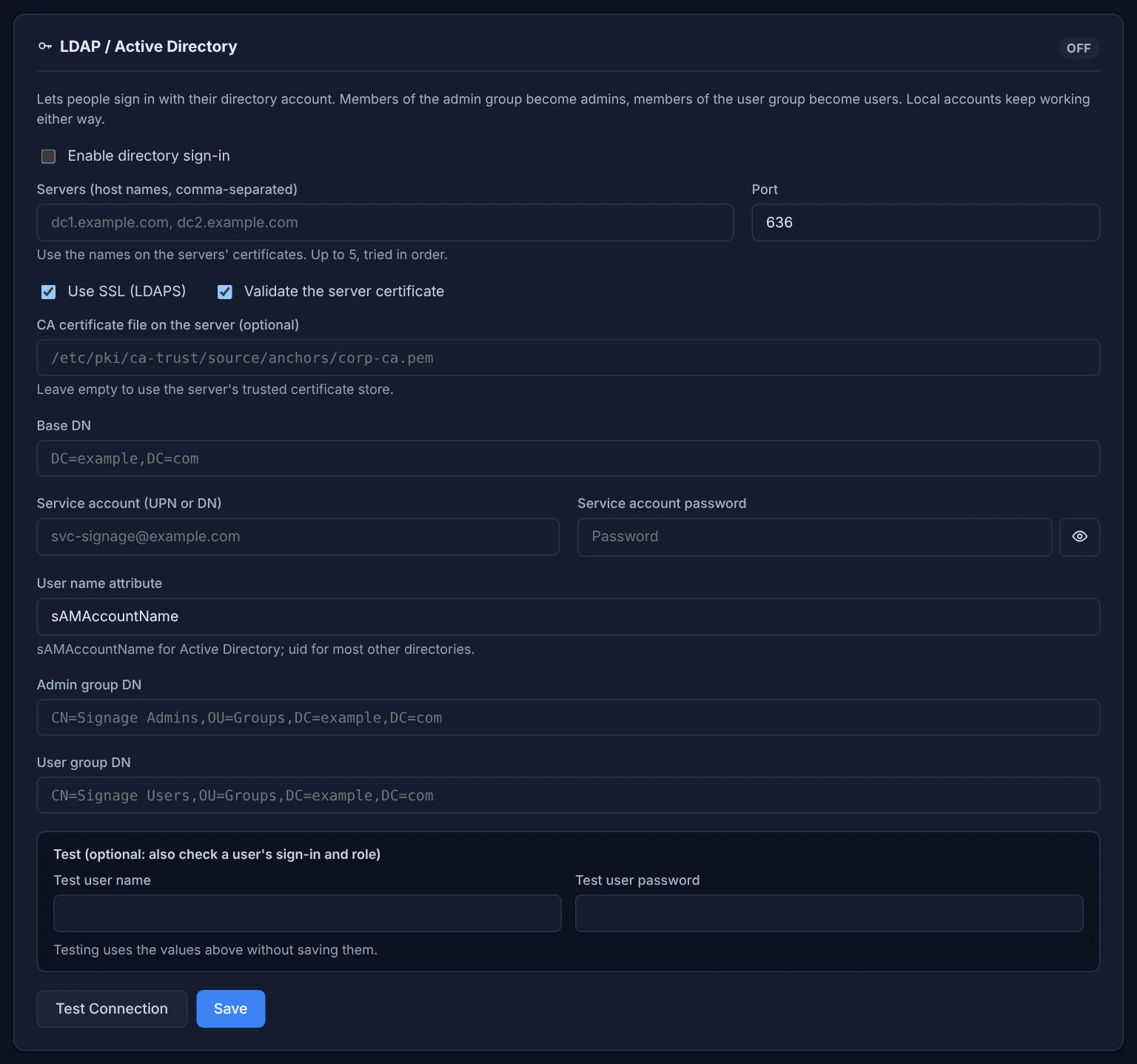
Administrators and users; users see only their screens and folders. LDAP / Active Directory sign-in by group. A locked-out administrator gets a new password with one command on the server.
SharePoint
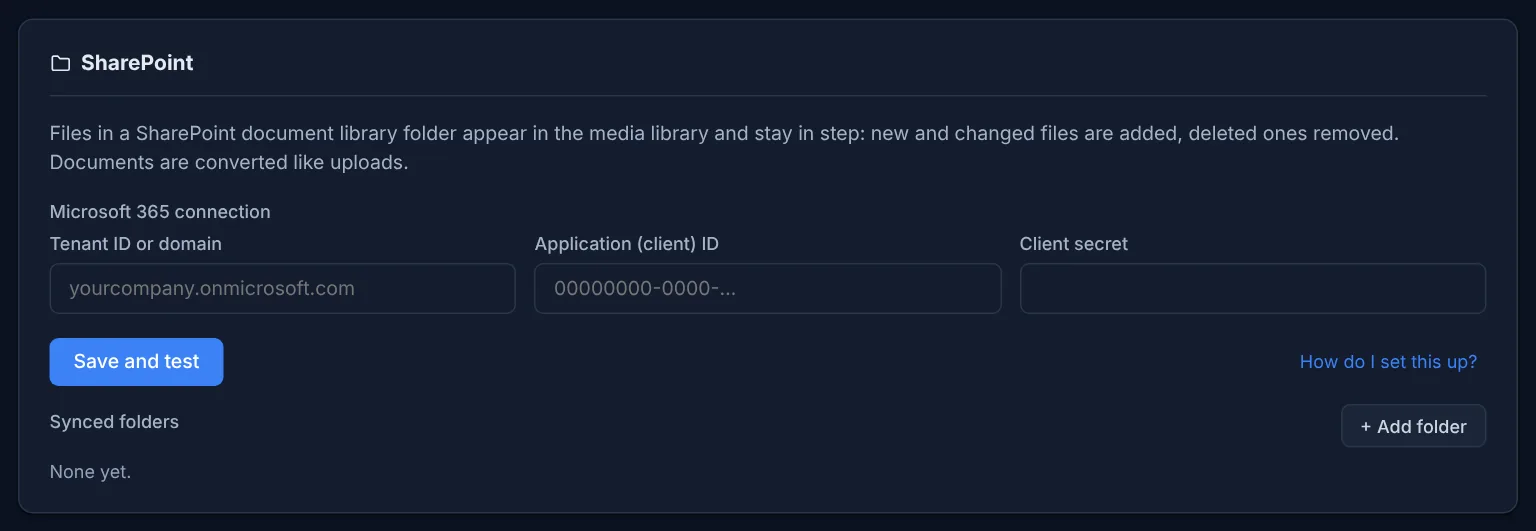
Files in a SharePoint folder appear in the library and stay in step.
Signed updates
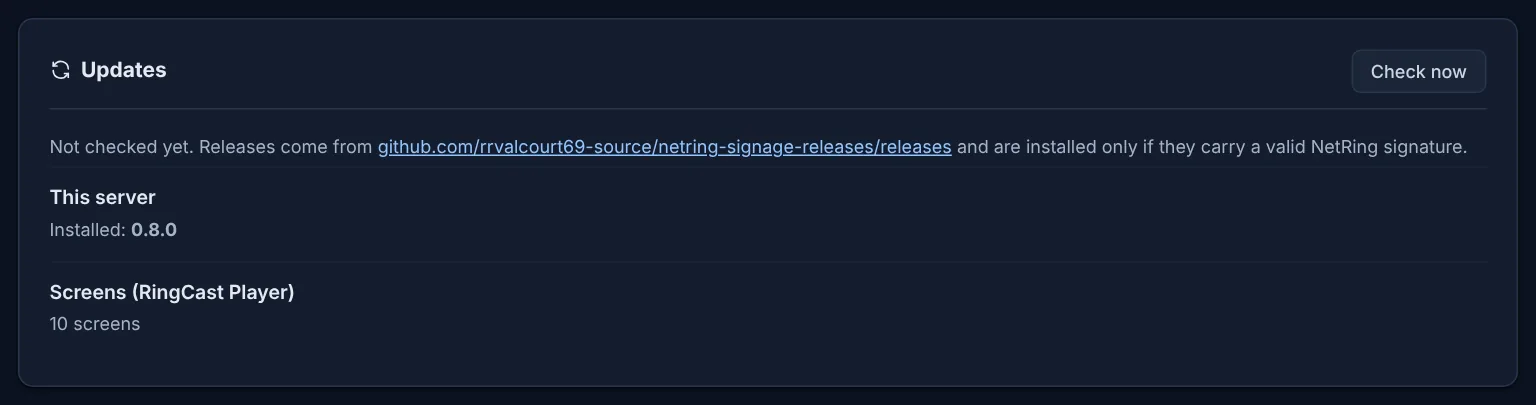
The server and Raspberry Pi screens update from the dashboard; only releases with a valid NetRing signature install, and a failed server update rolls back by itself. LG signage displays pick up the new RingCast Player from the updated server.
Trusted certificates
A free Let's Encrypt certificate with one command: automatic renewal on a public server, a DNS record you add on a server that is only on your local network.
Alerts New in 0.8
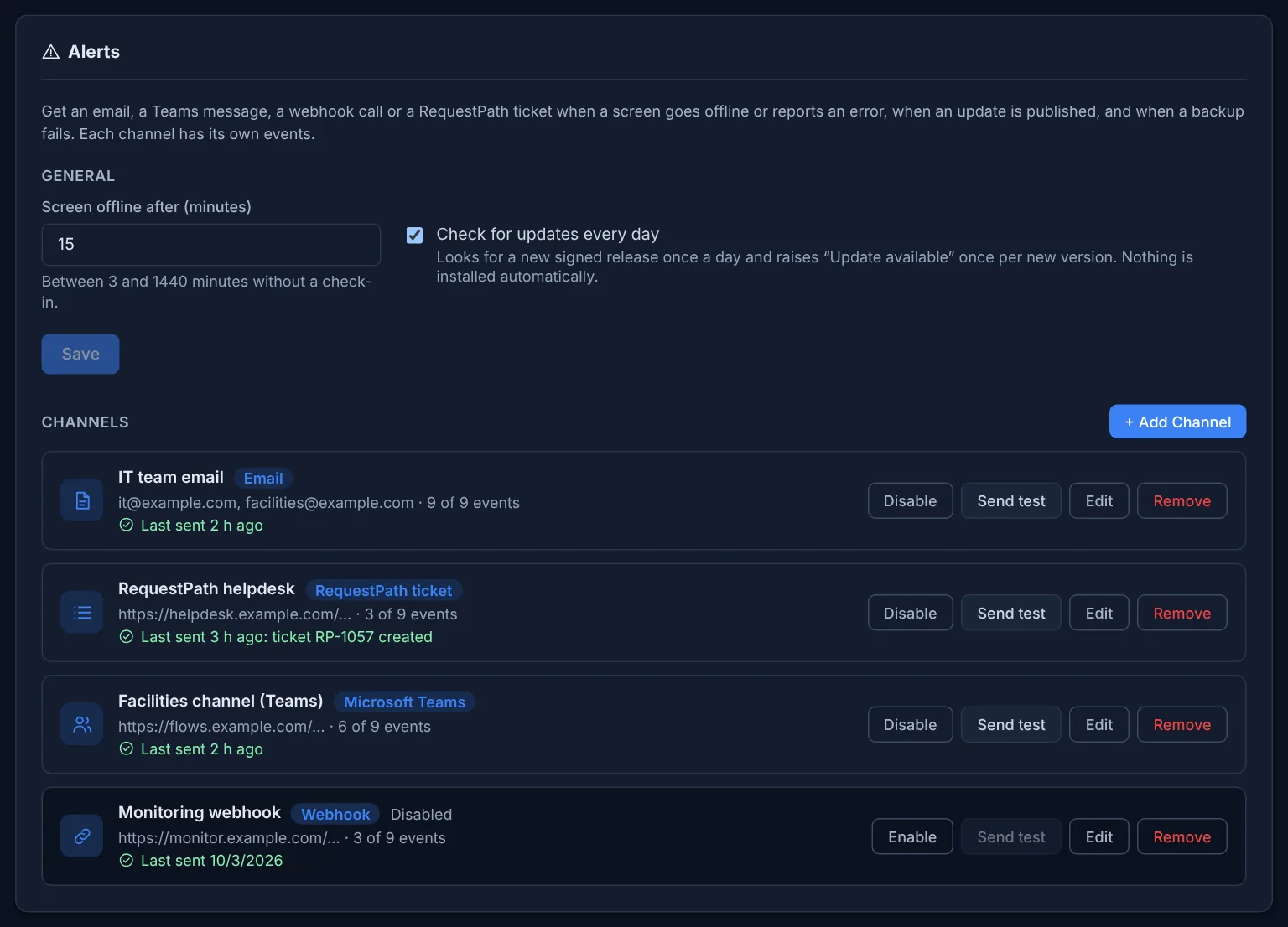
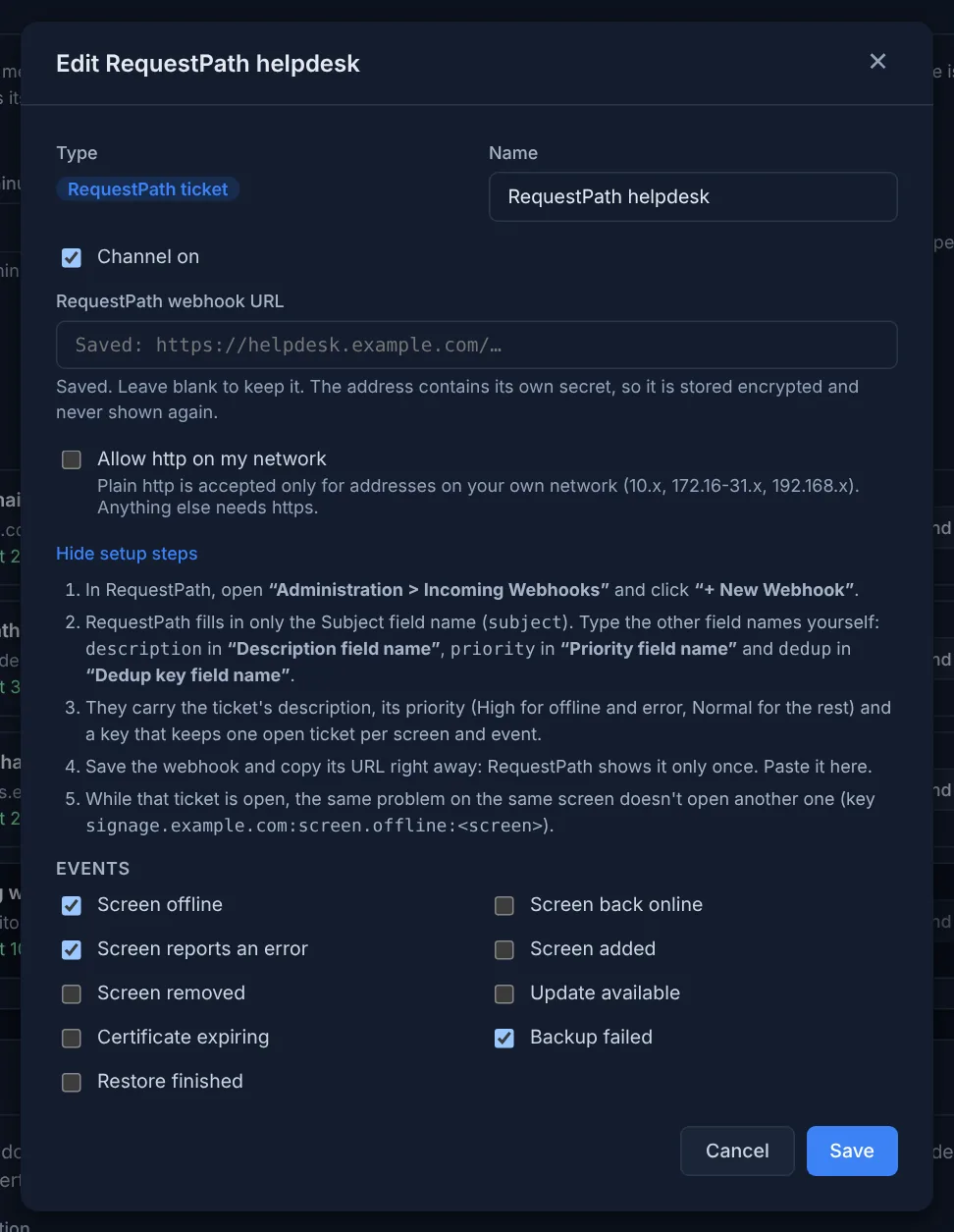
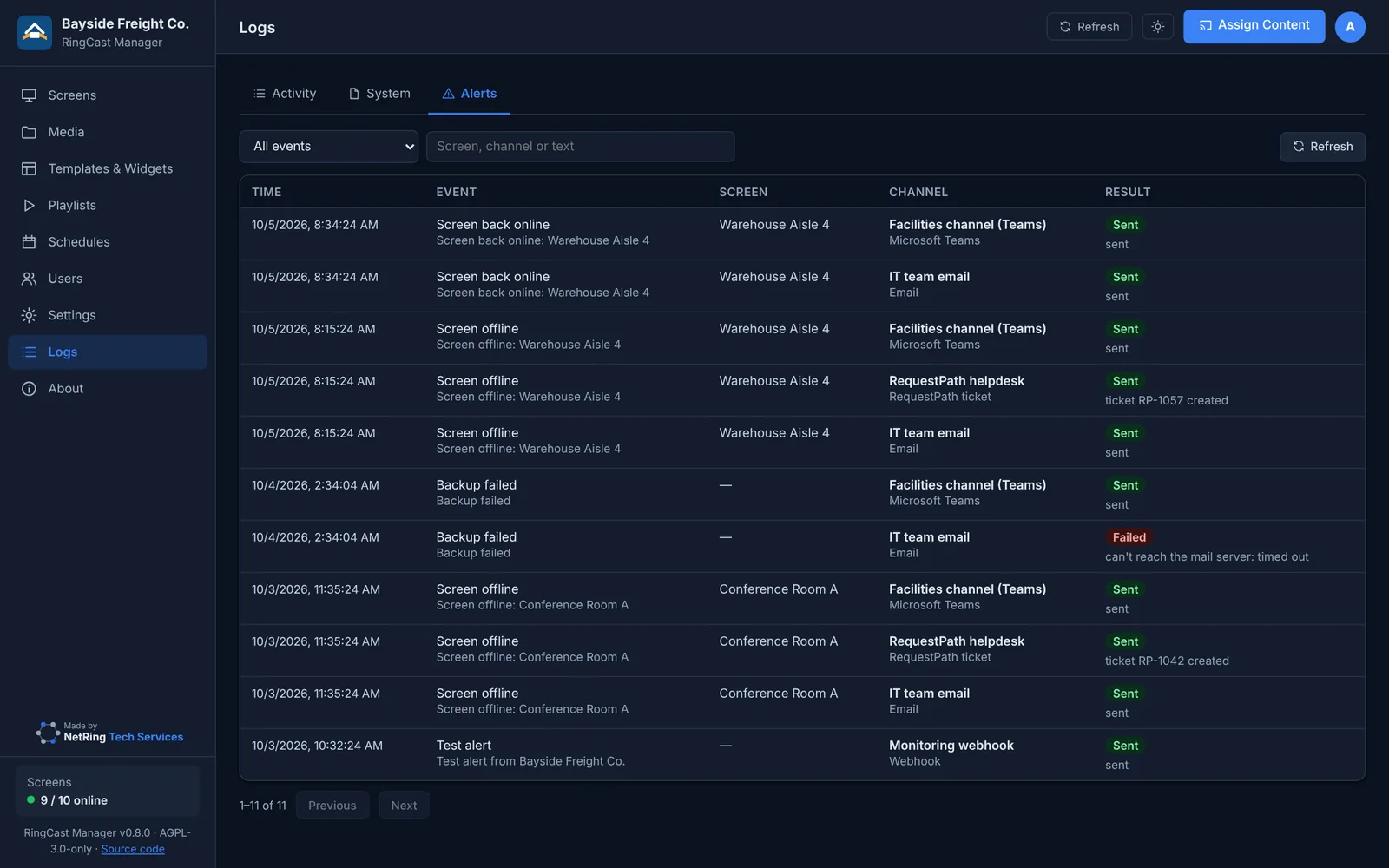
Email, Microsoft Teams, signed webhooks or RequestPath tickets when a screen goes offline or reports an error, an update is out, the certificate is about to expire or a backup fails. RequestPath opens one ticket per problem and screen. Each channel picks its events and has a "Send test" button.
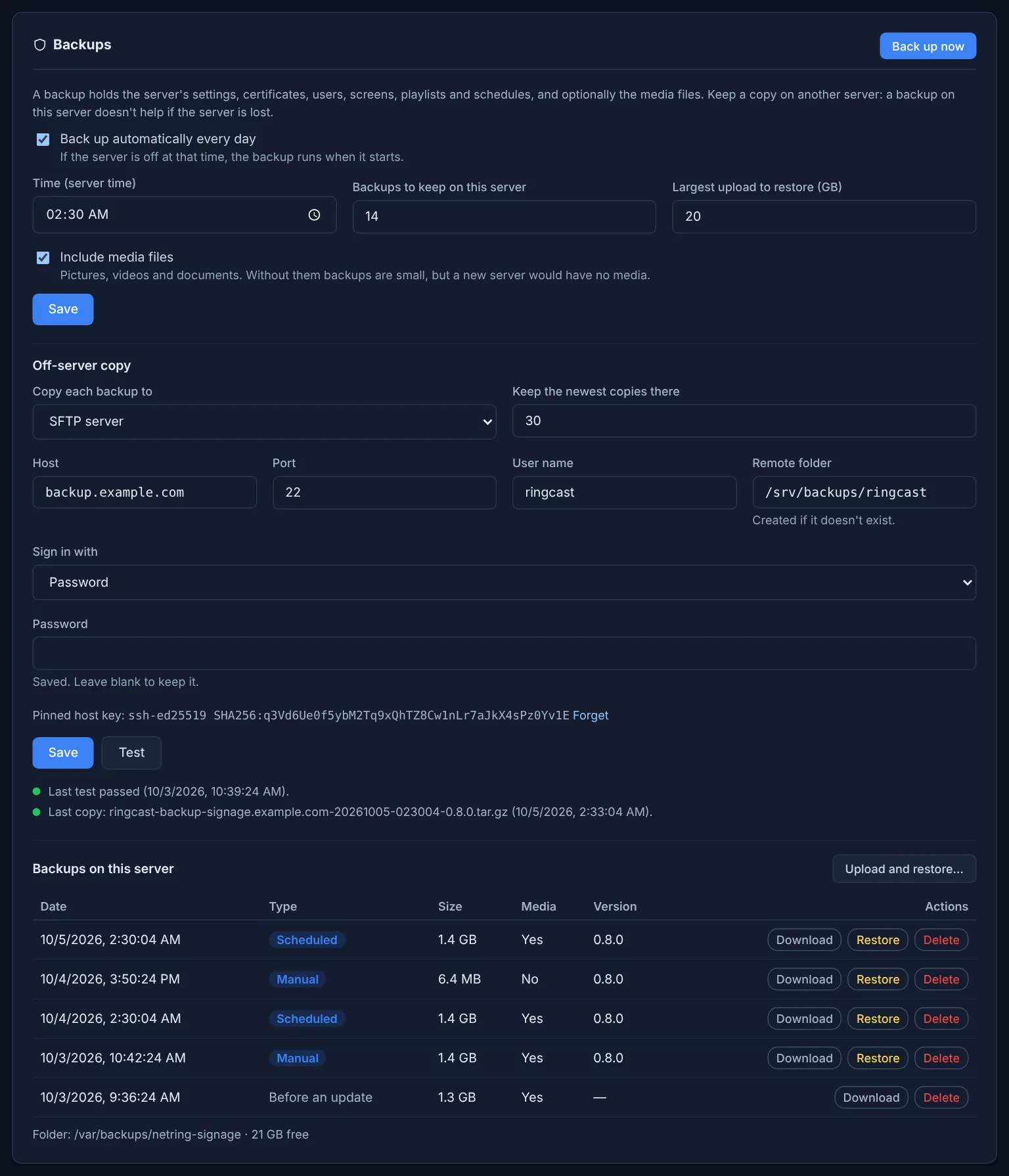
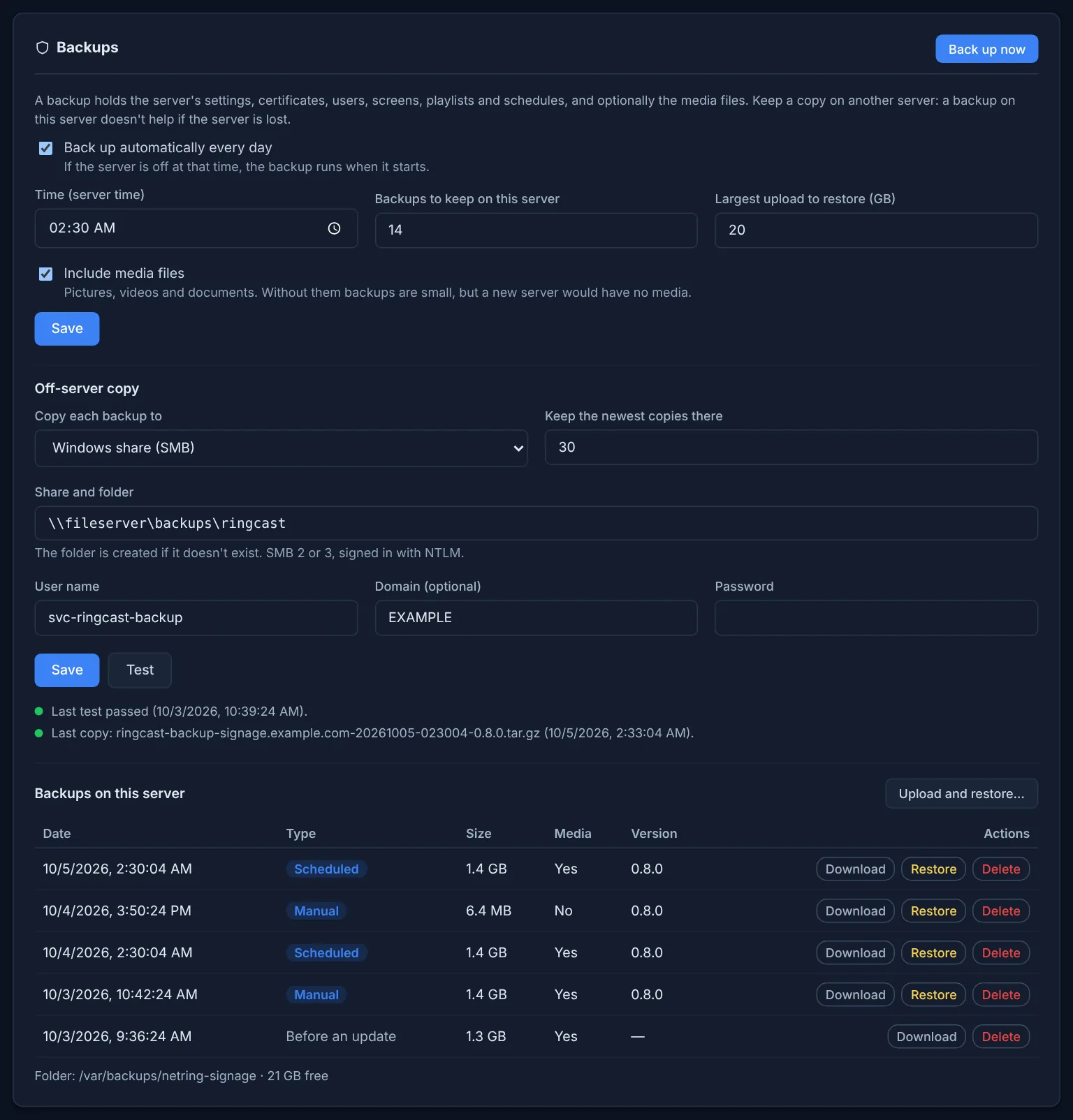
Backups and restore New in 0.8
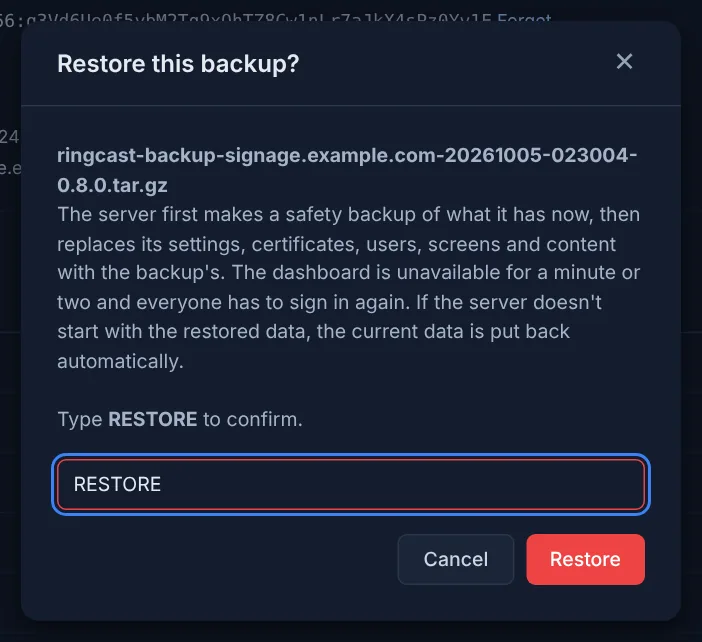
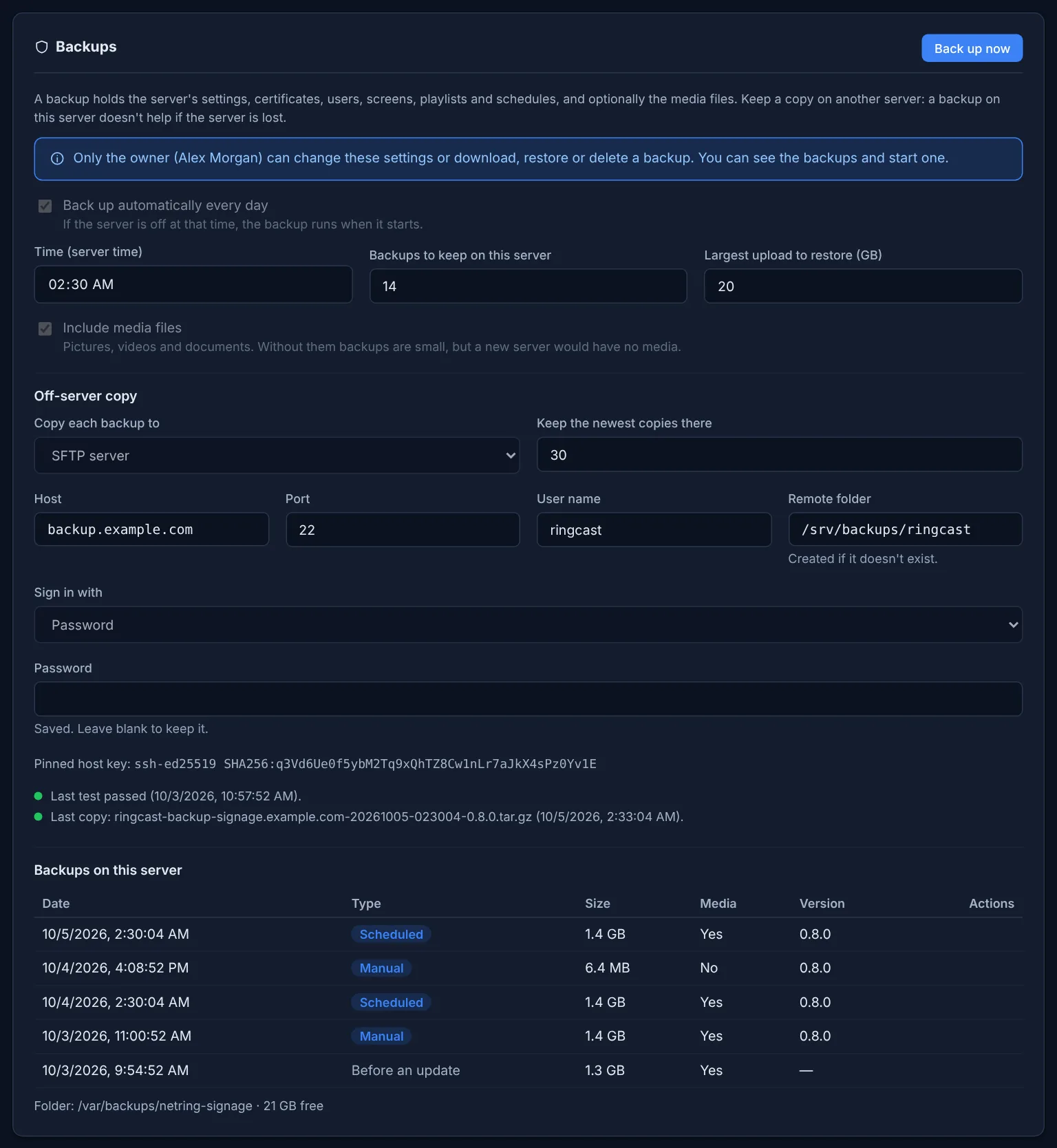
Nightly backups kept on the server and copied to a Windows share or an SFTP server. Restore from the dashboard with a safety copy and automatic rollback; move to a new server with the same file.
Activity and system logs New in 0.8
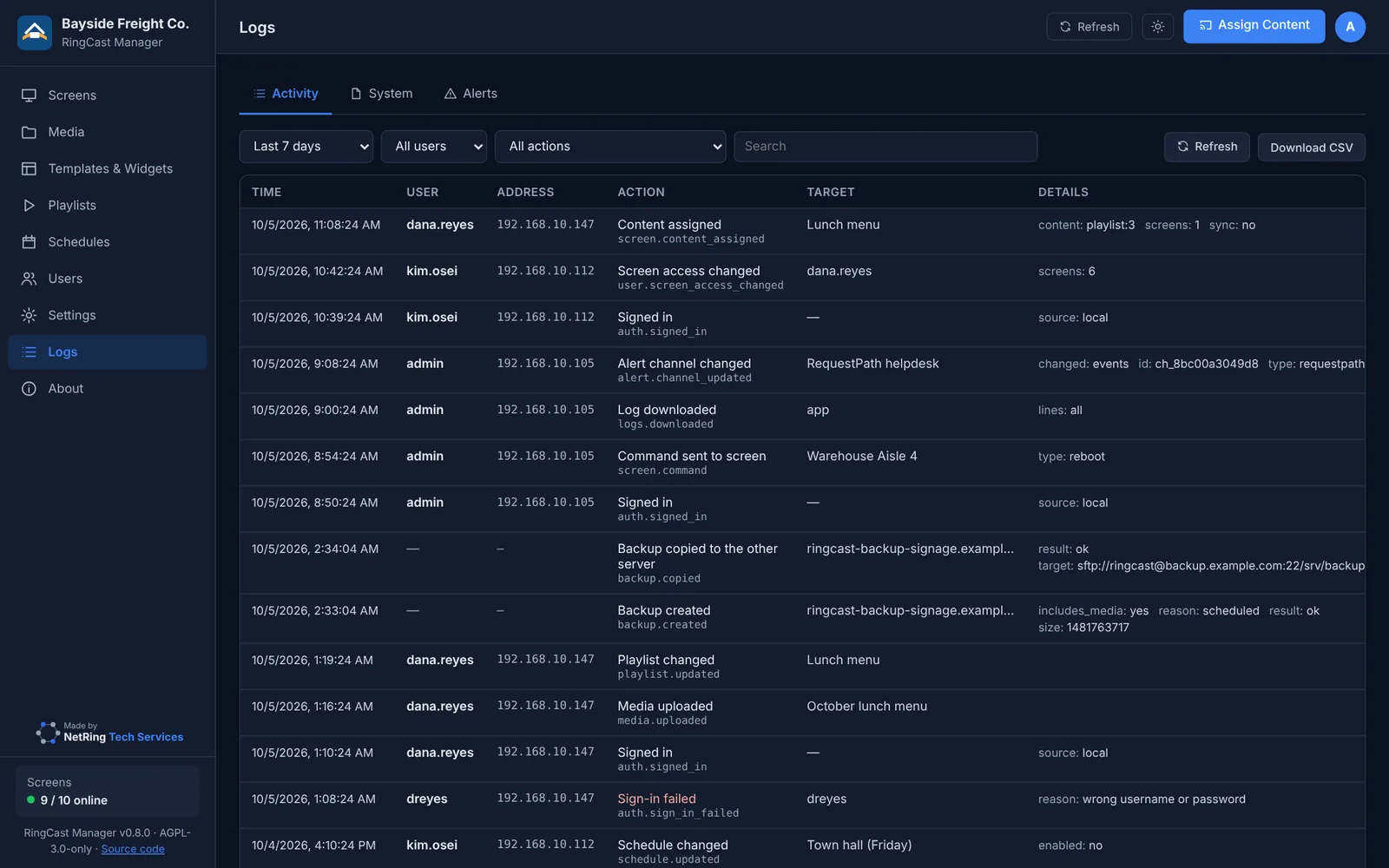
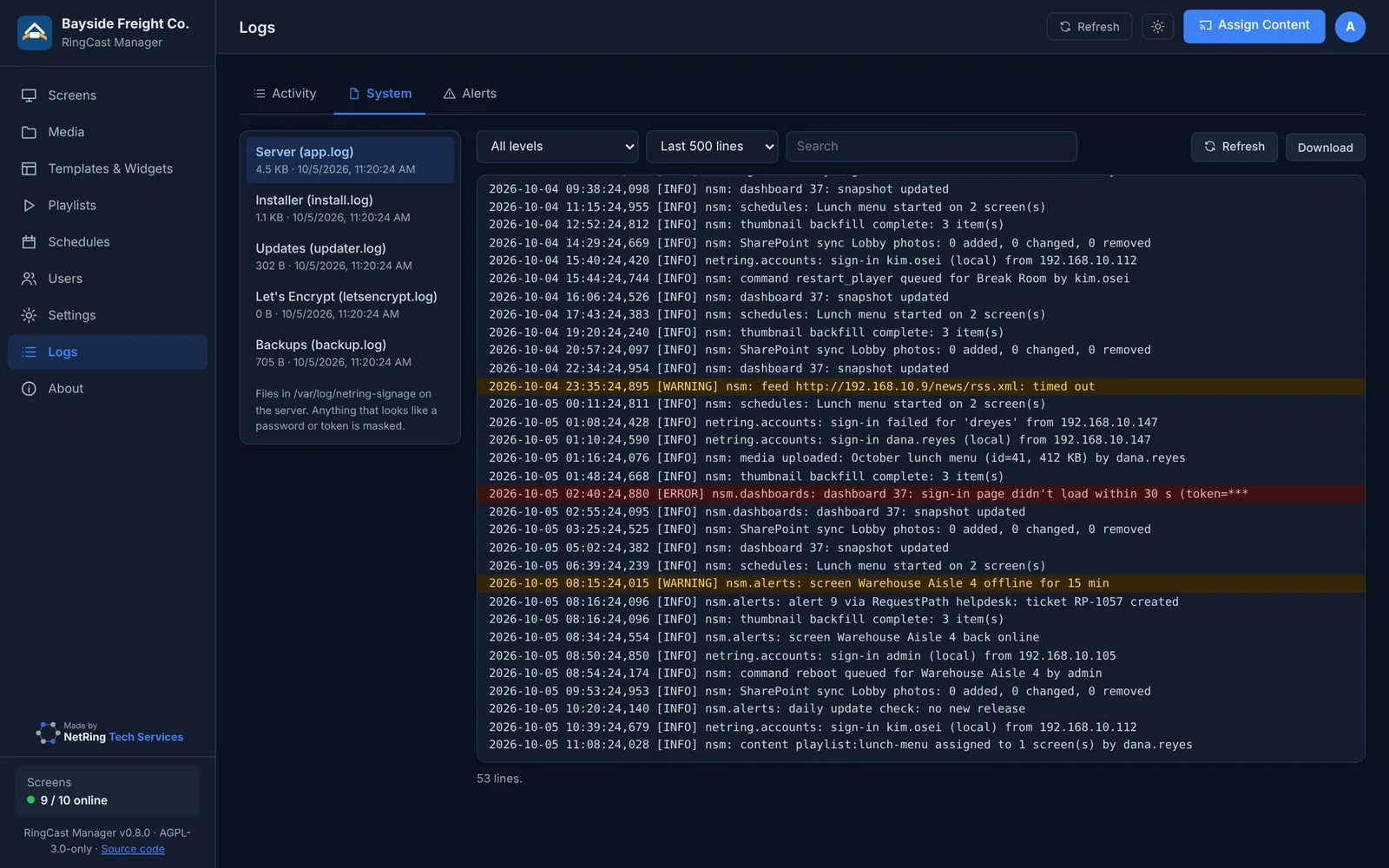
Who changed what and when, with filters and CSV export; the server's own logs with secrets masked.
Owner account New in 0.8
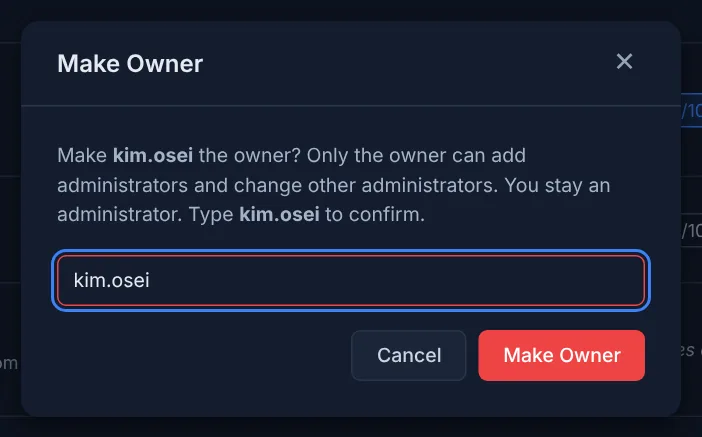
One owner manages the administrators and alone changes backups, restores, directory sign-in and log retention; ownership can be handed on, also from the shell.
English and Spanish
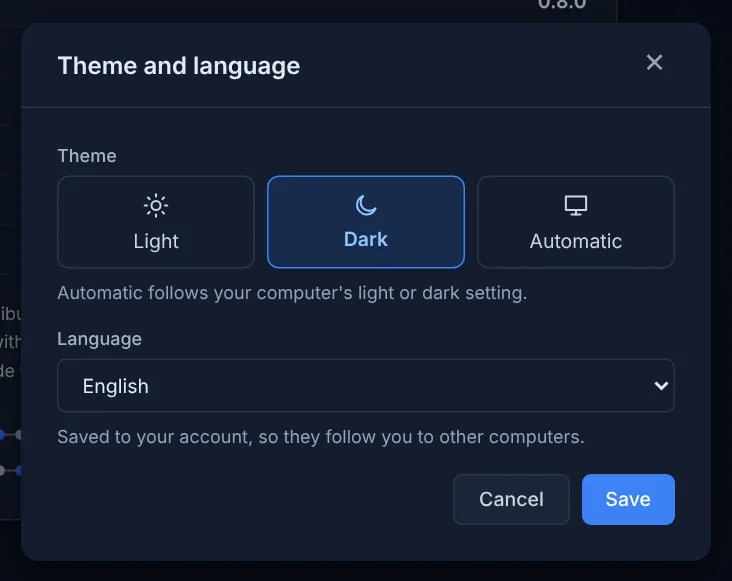
Dashboard and installer in both languages; light or dark theme per person.
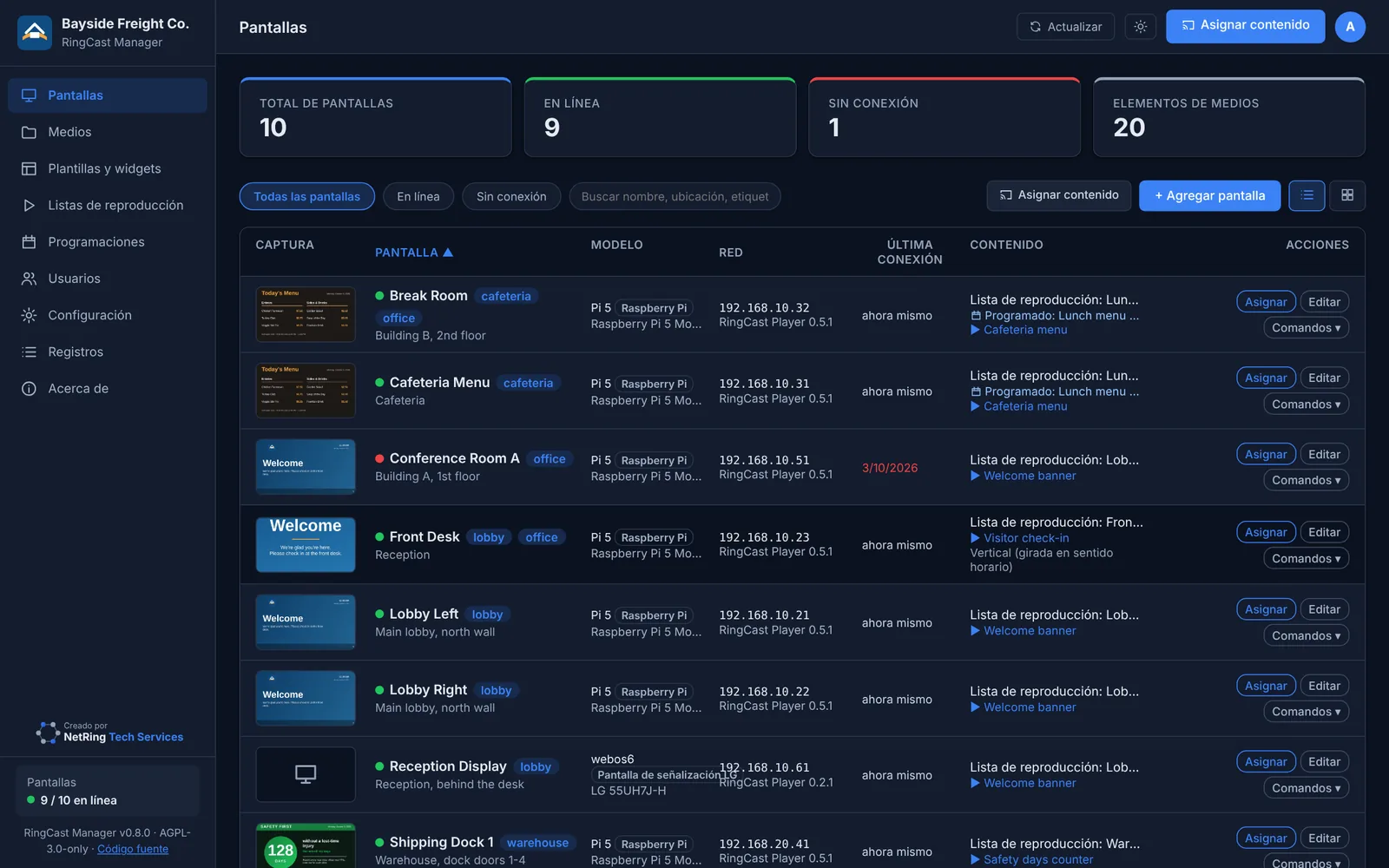
All pictures come from a demo site with a made-up company, people and addresses.